9 Best AI Workflow Platforms in 2026
Updated November 8, 2026
The short answer
The strongest AI workflow platforms on this list are Trigger.dev, AirOps, and Sim. Trigger.dev suits TypeScript teams building long-running AI agents and background workflows that must not lose progress. AirOps suits marketing teams at growing companies that want one system for AI search visibility, content production and SEO. Sim suits engineering-led organizations that need to build and govern many AI agents with permission groups and spend limits.
The shortlist, at a glance
Read the comparisons ↓ AirOpsFrom task-based plansMarketing teams at growing companies that want one system for AI search visibility, content production and SEO.
SparkNot publishedData center, solar, and storage developers who need to screen many parcels for zoning and moratorium risk before committing capital
 Trigger.devFree plan, $10/mo+TypeScript teams building long-running AI agents or background workflows that must not lose progress when something fails.
 CedanaNot publishedAI inference and HPC teams running long-lived GPU jobs on Kubernetes or SLURM who want to move work between nodes without restarting it.
 Spine AINot publishedInvestors, consultants, and founders who need sourced research memos and market analysis produced by multiple agents working together.
 Redouble AINot publishedJava-based enterprises in regulated industries such as biopharma, financial services, and insurance that need auditable AI agents on their own infrastructure
VortexifyAIFrom $10/builder/moManufacturing and supply chain teams that want custom operational apps for planning, forecasting, or production reporting without hiring DevOps staff.
 SimFree plan, then tiersEngineering-led organizations that need to build and govern many AI agents with permission groups and spend limits.
 Code FourNot publishedPolice departments and law enforcement agencies that want AI-drafted reports and searchable digital evidence from body-cam footage.
About AI Workflow Platforms
AI workflow platforms are software tools that let teams build, run and manage AI agents and multi-step automated tasks. They handle things a single model call cannot, such as keeping a job running through failures, connecting to other systems, and tracking what each step did.
The products on this list differ in approach, scale and pricing. Some are general developer frameworks, such as Trigger.dev, which is open source and priced by compute and run volume. Others serve one function, such as AirOps for marketing, Spark for energy site screening, or Code Four for police report drafting. Pricing models vary as well, from per-task plans and per-seat tiers to fully custom enterprise quotes.
The 9 best AI Workflow Platforms, compared
- From task-based plans
1.AirOps
Best for: Marketing teams at growing companies that want one system for AI search visibility, content production and SEO.

- Pricing
- From task-based plans
- Category
- Marketing & Sales
AirOps is a platform for marketing teams that want to grow organic and AI search traffic. It covers the full loop: tracking brand share across answer engines, building the content strategy, and running AI content workflows to execute it. Its credibility as a workflow platform rests on the task-based workflow builder and the ability to track share across answer engines, with the Pro plan listing insights across 7+ answer engines.
Where it is strong
- Tracks brand share across answer engines, with Pro covering 7+ of them
- Runs AI content workflows that include content production and SEO integrations
- Pro plan offers unlimited seats, so whole teams can work in it
Where it falls short
- Costs depend on task volume, so forecasting spend takes work and the team may need to contact sales to estimate usage
- Custom agent builds, dedicated support and unlimited knowledge bases sit only in the Enterprise tier, which has no published price
- Pricing:
- Plans are priced by task volume: Solo includes 35,000 content tasks and single-user access, Pro includes 100,000 tasks with unlimited seats, and Enterprise is a custom quote, with a 14-day free trial of Scale features and 50,000 free workflow-building credits.
- Not published
2.Spark
Best for: Data center, solar, and storage developers who need to screen many parcels for zoning and moratorium risk before committing capital
- Pricing
- Not published
- Category
- AI & Machine Learning
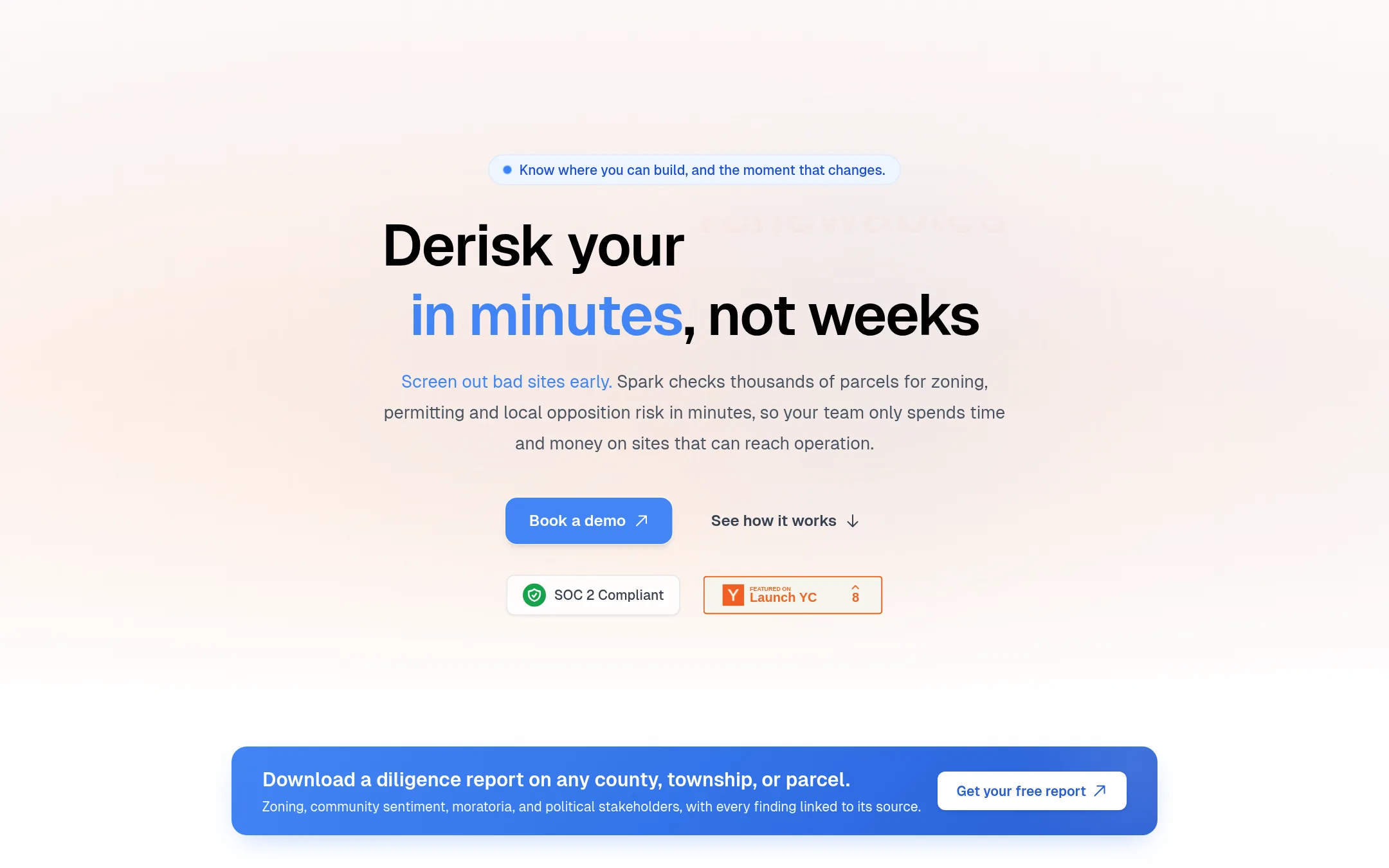
Spark is a diligence tool for data center and energy developers that checks zoning, permitting paths, moratoria, and local opposition across U.S. counties and townships. What sets it apart is that every finding links to the exact source document, and the site says its database covers over a terabyte of local records updated daily. It is aimed at a narrow buyer, so it fits best when permitting risk is the main question.
Where it is strong
- Every finding links to its source document for quick verification
- Covers all 50 states down to county and township level
- Bulk screening and change alerts for monitoring many markets
Where it falls short
- Built for energy infrastructure, so it is not a general workflow tool
- Pricing is not published, so cost comparison requires a sales conversation
- Pricing:
- Pricing is not published on the site.
- Free plan, $10/mo+
3.Trigger.dev
Best for: TypeScript teams building long-running AI agents or background workflows that must not lose progress when something fails.
- Pricing
- Free plan, $10/mo+
- Category
- AI & Machine Learning
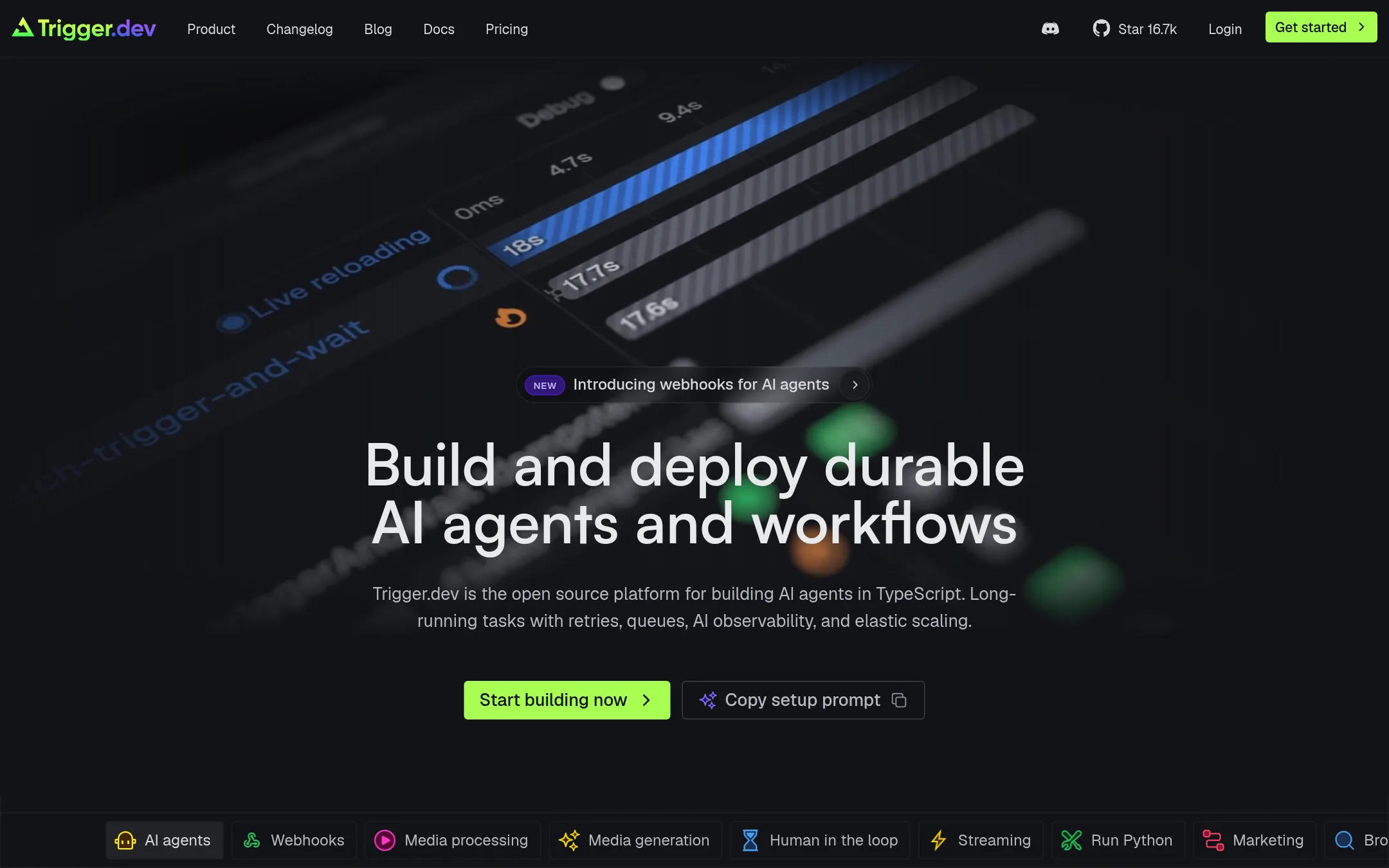
Trigger.dev is an open source platform for building durable AI agents and workflows in TypeScript. Its tasks run without timeouts and survive refreshes, redeploys, and crashes, and the platform adds retries, queues, and LLM observability. The codebase is Apache 2.0 licensed, so teams can read it or self-host it.
Where it is strong
- Tasks have no maximum duration, and some users run them for months.
- Stream LLM responses from runs straight to your frontend without API routes.
- Apache 2.0 licensed, so you can self-host and inspect the source.
Where it falls short
- Built around TypeScript, so teams focused on Python-first stacks get less out of it.
- Compute and run fees add up at high volume, and the Pro plan adds per-seat and per-branch charges.
- Pricing:
- The Free plan is $0/month with $5 of monthly credits, Hobby is $10/month, Pro is $50/month, and Enterprise is custom, with compute billed per second by machine size plus a run fee of $0.25 per 10,000 runs.
- Not published
4.Cedana
Best for: AI inference and HPC teams running long-lived GPU jobs on Kubernetes or SLURM who want to move work between nodes without restarting it.
- Pricing
- Not published
- Category
- AI & Machine Learning
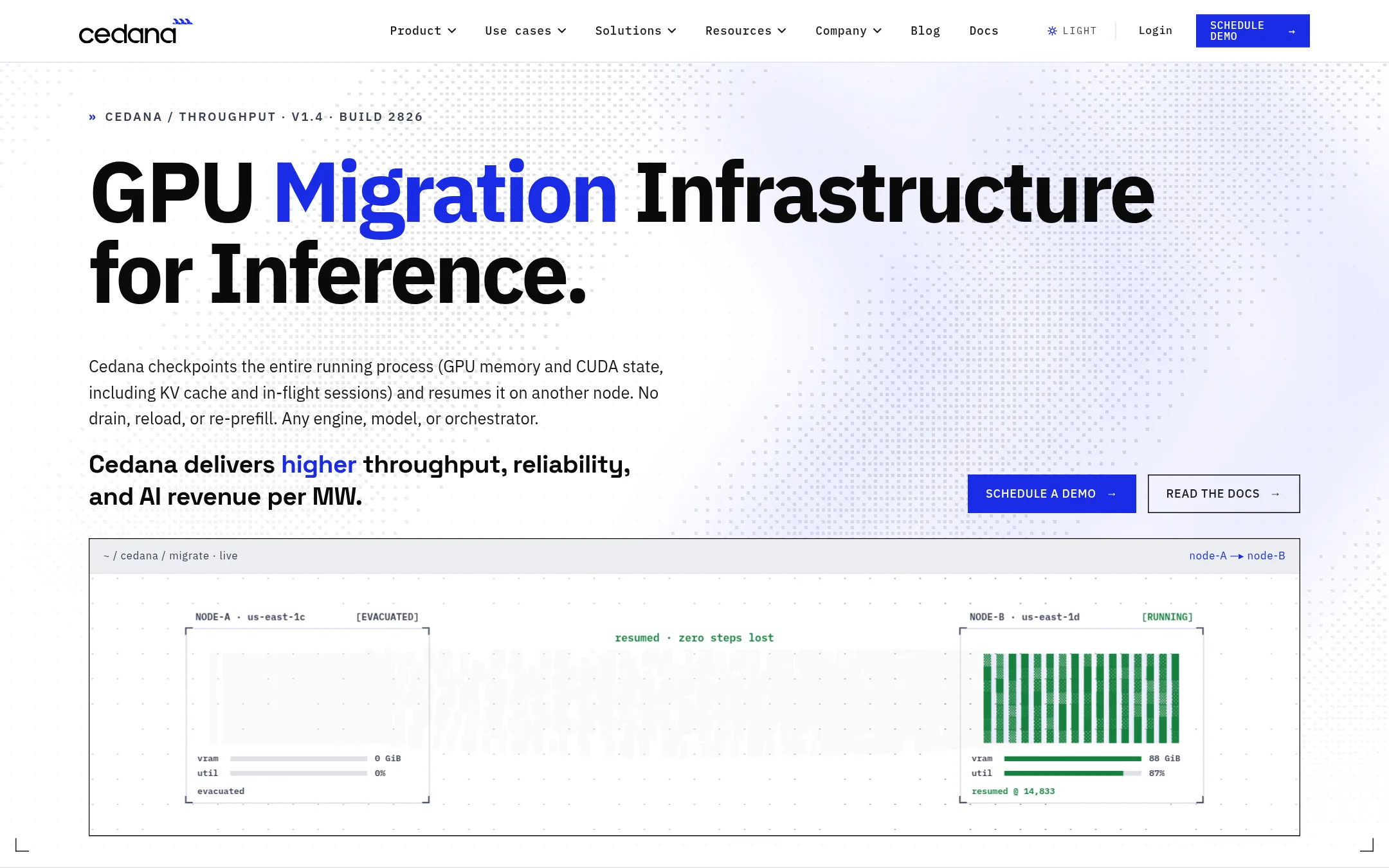
Cedana checkpoints a running GPU process, including GPU memory, CUDA state and KV cache, and resumes it on another node without draining or reloading the model. That matters for inference teams who lose time and money every time a job has to restart. It runs natively on Kubernetes and SLURM, and the site says a first migration takes under 30 minutes via a Helm chart or SLURM plug-in.
Where it is strong
- Moves in-flight sessions and KV cache without a re-prefill step
- Works with any engine, model or orchestrator, according to the site
- Setup needs no code changes and is aimed at under 30 minutes
Where it falls short
- Pricing is not published, so budgeting requires a sales conversation
- The site does not list customers or independent reviews, so proof of results rests on vendor claims
- Pricing:
- Pricing is not published on the site.
- Not published
5.Spine AI
Best for: Investors, consultants, and founders who need sourced research memos and market analysis produced by multiple agents working together.
- Pricing
- Not published
- Category
- AI & Machine Learning
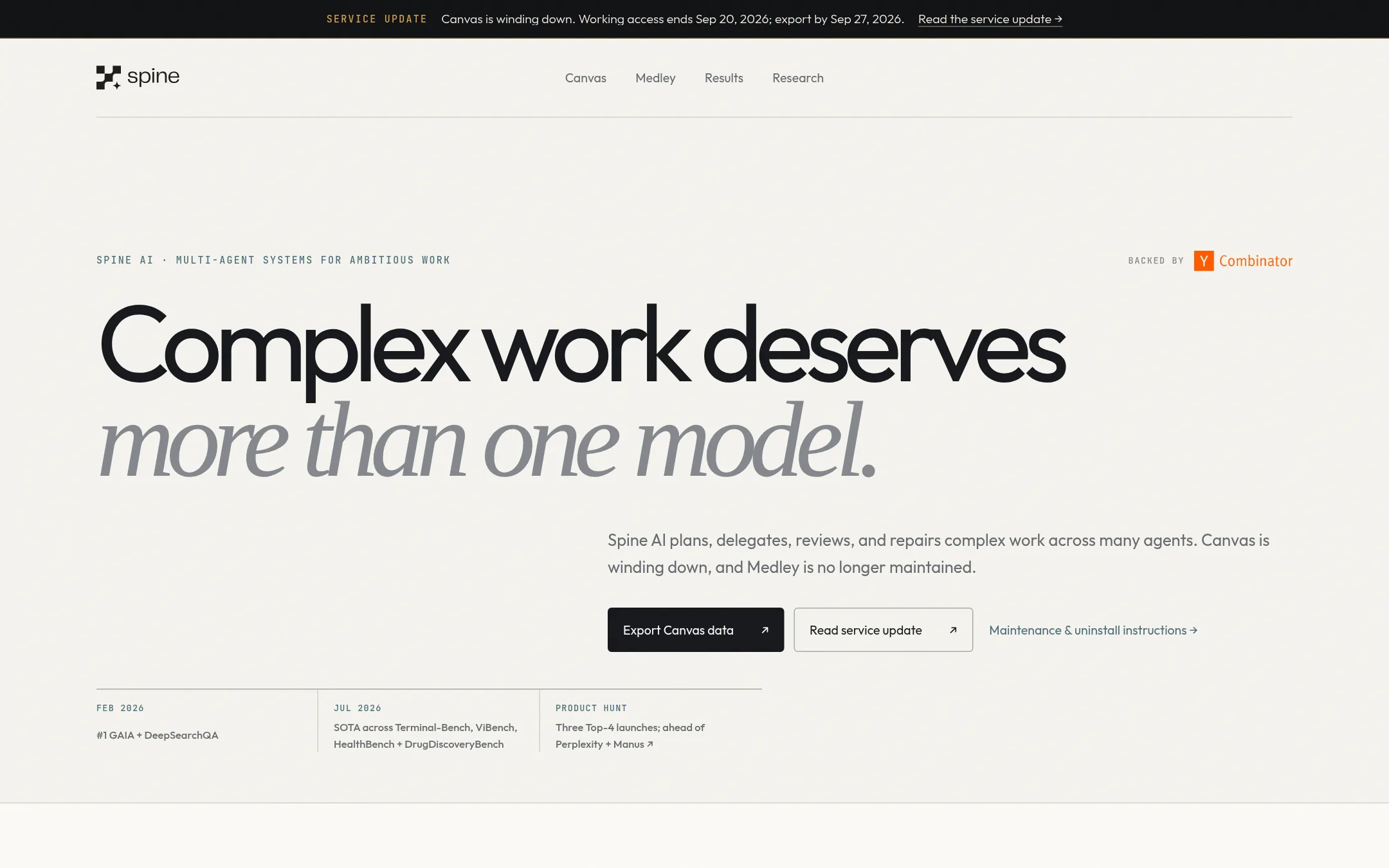
Spine AI runs two products that coordinate teams of AI agents, Canvas in the cloud and Medley on your own machine. Its work graphs grow as agents find new dependencies, and review can send fixes back for verification before a task closes. Canvas is SOC 2 Type I compliant and draws on more than 300 models.
Where it is strong
- Canvas assembles agents across 300+ models for sourced research and deliverables
- Medley runs locally and stays within your permission boundaries
- Review creates repair branches that return for verification before completion
Where it falls short
- Pricing is not listed, so you will need to contact the company to compare costs
- Canvas holds only SOC 2 Type I compliance, not the later Type II report some buyers ask for
- Pricing:
- Pricing is not published on the site.
- Not published
6.Redouble AI
Best for: Java-based enterprises in regulated industries such as biopharma, financial services, and insurance that need auditable AI agents on their own infrastructure
- Pricing
- Not published
- Category
- AI & Machine Learning
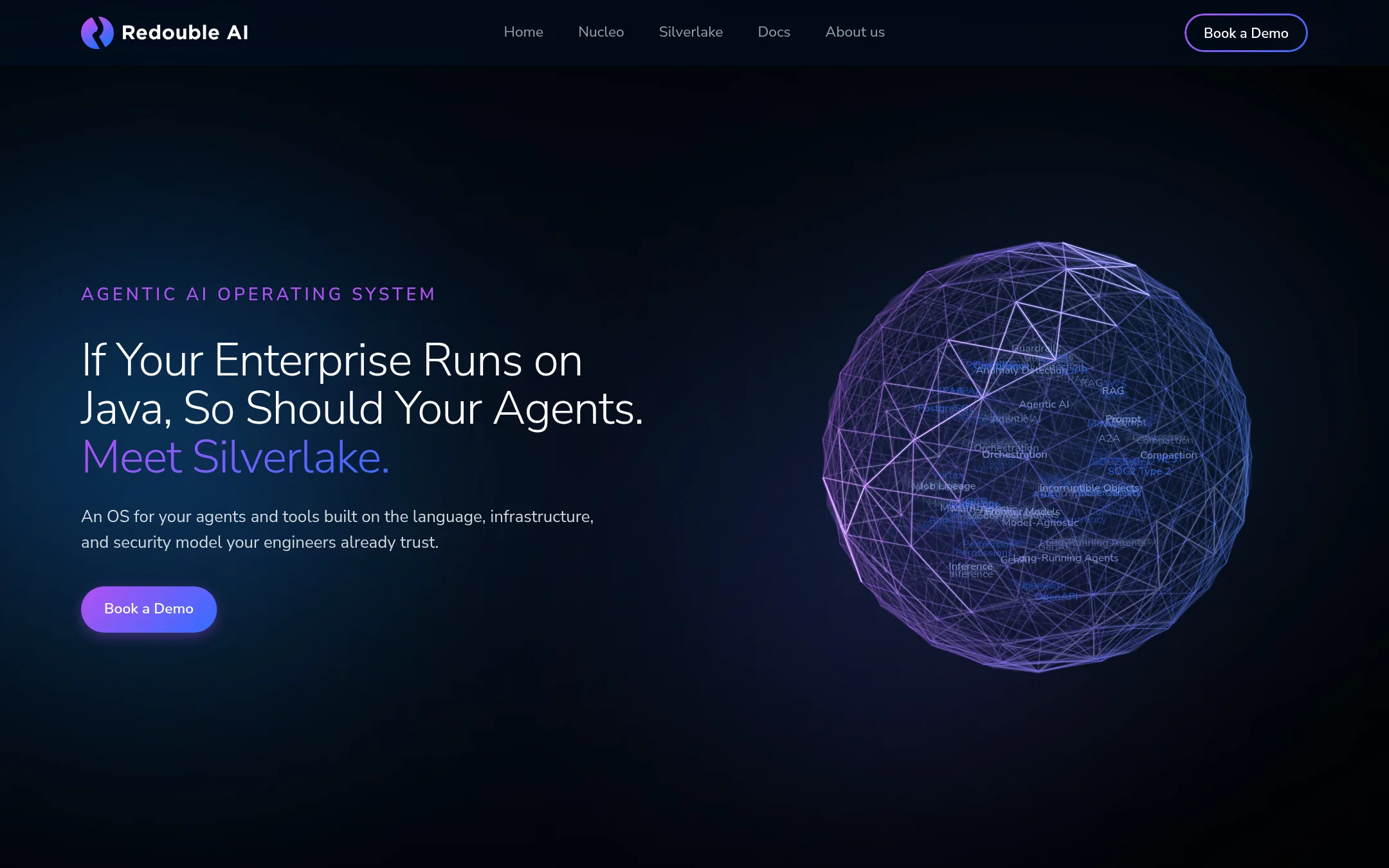
Redouble AI, also called Silverlake, is an enterprise operating system for building and running AI agents in production, aimed at Java teams in regulated industries. Engineers define an agent in about 30 lines of Java, and the platform handles orchestration, scaling, permissions, and observability. Its security model is specific: guardrails are deterministic code that sits outside the model, and every tool call and permission check is recorded in immutable audit logs.
Where it is strong
- Native Java authoring, so teams build agents with existing languages, tools, and CI/CD
- Guardrails and permission checks run as code outside the model, with RBAC and ABAC controls
- Deploys on AWS, Azure, GCP, on-prem, hybrid, or air-gapped, and works with any model
Where it falls short
- Not a fit for Python-first teams, since the platform is built around Java
- Pricing is unpublished, so buyers must request a demo to learn costs
- Pricing:
- Pricing is not published on the site.
- From $10/builder/mo
7.VortexifyAI
Best for: Manufacturing and supply chain teams that want custom operational apps for planning, forecasting, or production reporting without hiring DevOps staff.
- Pricing
- From $10/builder/mo
- Category
- Other
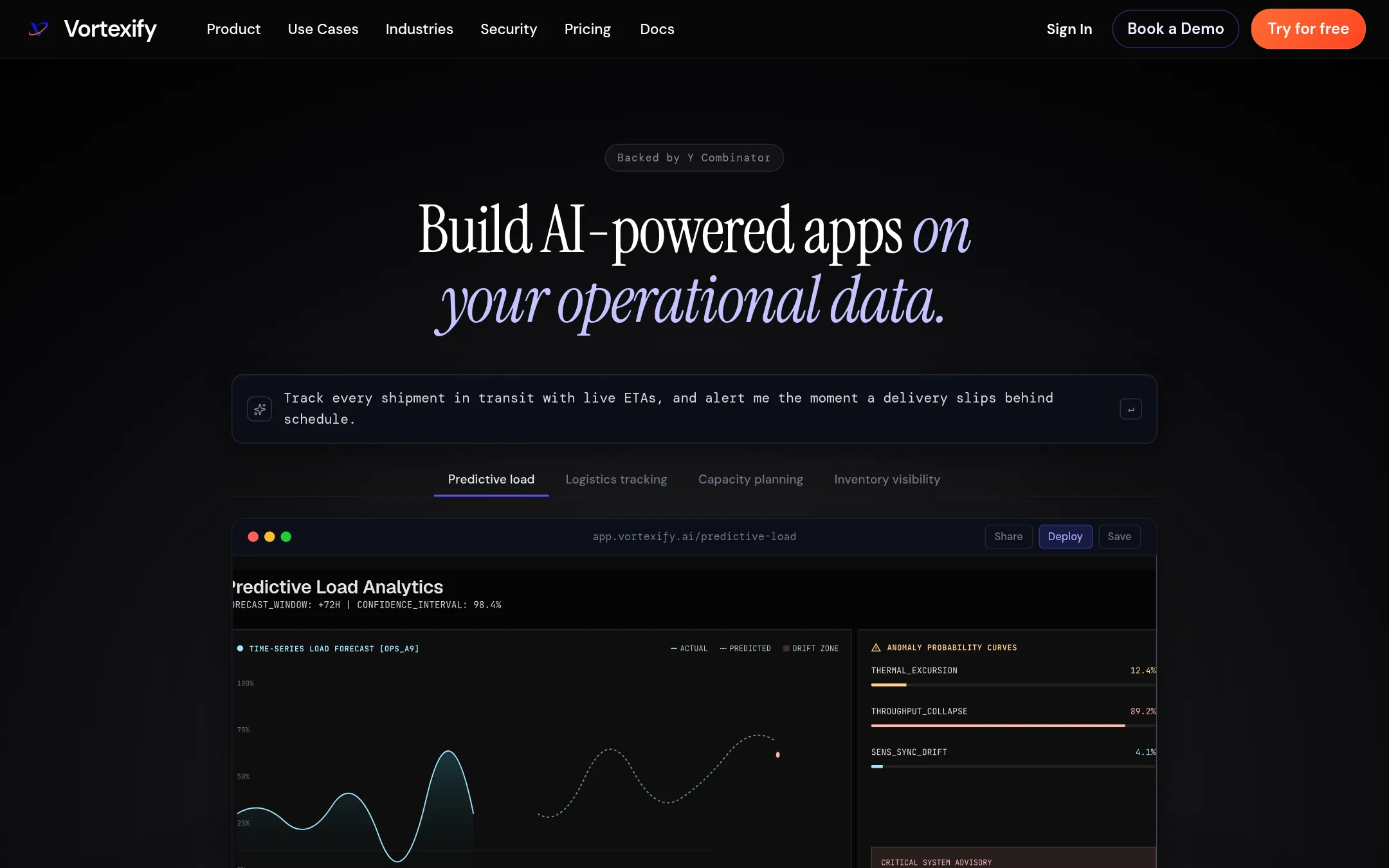
Vortexify builds AI-powered web apps for supply chain and manufacturing operations, and it writes and runs the backend as well as the frontend. Teams connect existing systems, upload CSV, Parquet, or JSON files, and get apps for planning, forecasting, root cause analysis, and reporting. It supports 20+ standard connectors and lets you install React and Python packages.
Where it is strong
- Writes and runs the backend, not just the frontend
- 20+ standard data connectors plus file uploads for CSV, Parquet, and JSON
- Scheduled jobs and recurring reports without managing infrastructure
Where it falls short
- Custom connectors come through support tickets rather than self-serve setup
- Its supply chain focus makes it a weaker fit for teams wanting a general-purpose workflow builder
- Pricing:
- Builders pay $10 per month on Starter, $20 on Team, and $60 on Business, with operators at $15 per month on Team and Business, while Enterprise is custom and the Starter operator seat is free.
- Free plan, then tiers
8.Sim
Best for: Engineering-led organizations that need to build and govern many AI agents with permission groups and spend limits.
- Pricing
- Free plan, then tiers
- Category
- AI & Machine Learning
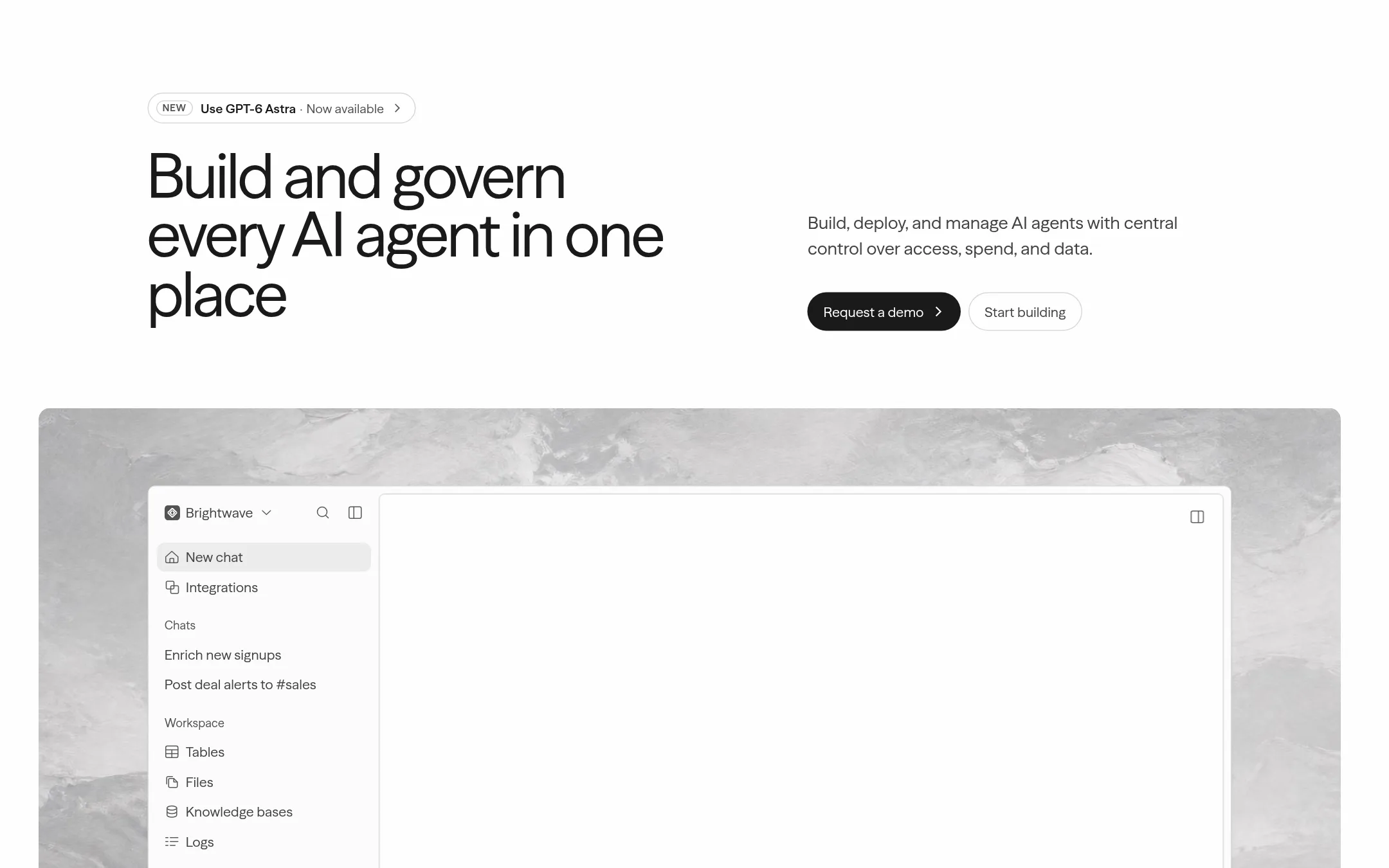
Sim is an open-source workspace where teams build, deploy, and govern AI agents through a chat interface, a visual canvas, or code. It connects to 270+ integrations and every major LLM, and it traces each agent run block by block, including failures. That run-level logging and the option to self-host in your own cloud make it a credible pick for teams that want control over their agents.
Where it is strong
- Build agents through chat, a visual canvas, or code
- Permission groups and spend limits control access and cost per member
- Self-hosting with Docker or Kubernetes keeps data in your own cloud
Where it falls short
- Exact paid plan prices are not stated on the page we reviewed, so you will need to check the pricing page for numbers
- Enterprise governance features like SSO and SCIM are aimed at larger organizations, so smaller teams may not need them
- Pricing:
- Pricing is published across Free, Pro (per user per month, billed monthly), Max, and Enterprise tiers, but the site does not state the specific dollar amounts in the text we have.
- Not published
9.Code Four
Best for: Police departments and law enforcement agencies that want AI-drafted reports and searchable digital evidence from body-cam footage.

- Pricing
- Not published
- Category
- Other
Code Four is AI software for police departments that drafts reports from body-cam footage and lets officers search video, transcripts, narratives, and case timelines. Its drafts are source-linked, so an officer can trace each statement back to the footage or notes behind it. It also covers redaction of faces, plates, audio, and documents before release, which many departments need for public records requests.
Where it is strong
- Drafts reports from body-cam footage with source-linked references
- Covers search across video, transcripts, narratives, and case timelines
- Includes redaction for faces, plates, audio, and documents before release
Where it falls short
- Pricing is not published, so budgeting requires contacting the vendor
- Built for law enforcement, so it does not suit general business workflows
- Pricing:
- Pricing is not published on the site.
How to choose AI Workflow Platforms
Start with pricing structure. Some platforms publish plans, such as Trigger.dev's tiers based on compute and run fees, or AirOps's plans based on task volume. Others, including Spark, Spine AI and Redouble AI, do not publish prices, so you will need a sales conversation before you can compare costs.
Check who the product is built for. Trigger.dev is built around TypeScript, so Python-first teams will get less from it. Redouble AI is built for Java teams in regulated industries. Matching the product to your stack and your sector matters more than feature count.
Look closely at integrations. Sim lists 270+ integrations and Vortexify lists 20+ standard connectors, and some platforms, like Vortexify, handle custom connectors through support tickets rather than self-serve setup. Confirm your existing systems are covered before you commit.
Review data handling and compliance. Some products can be self-hosted, such as Sim and Trigger.dev, and Redouble AI can run on-prem or air-gapped. Spine AI's Canvas holds SOC 2 Type I compliance, which may not meet every buyer's requirement. Check the certification level your organization needs.
Finally, read the support and contract terms. Enterprise tiers often include dedicated support and custom features that are not part of standard plans, so confirm exactly what each tier includes before you sign.
FAQ
Questions about AI Workflow Platforms
What is an AI workflow platform?
An AI workflow platform is software for building, running and managing AI agents and multi-step automated tasks. Platforms on this list handle things like retries, queues, orchestration and monitoring. Some are developer frameworks, while others are built for a specific job such as marketing or police reporting.
How much do AI workflow platforms cost?
Pricing varies widely across this list. Trigger.dev publishes plans from $0 to $50 per month plus compute charges, while AirOps prices by task volume. Several products, including Spark, Spine AI and Redouble AI, do not publish prices and require a sales conversation.
Can I self-host an AI workflow platform?
Some can. Sim offers self-hosting with Docker or Kubernetes so data stays in your own cloud, and Trigger.dev's codebase is Apache 2.0 licensed, so it can be self-hosted. Redouble AI can also deploy on-prem, hybrid or air-gapped.
Which AI workflow platform is best for a small team?
It depends on the job. Trigger.dev suits small TypeScript teams building background workflows and has a free tier. AirOps suits small marketing teams wanting one system for AI search visibility and content production.
What should I check before choosing an AI workflow platform?
Confirm pricing structure, language and stack fit, integrations with your existing systems, data and compliance requirements, and support terms. Some products are built for narrow sectors, so check that the platform matches your industry before comparing features.
Last updated November 8, 2026.