9 Best Note-taking Apps in 2026
Updated November 6, 2026
The short answer
The strongest note-taking apps on this list are Obsidian, Milanote and RemNote. Obsidian suits founders and operators who want a private, plain-text knowledge base they control and can extend with plugins. Milanote suits creative teams and freelancers who plan projects visually on shared boards. RemNote suits students who want notes and flashcards in one app, especially when preparing for a fixed exam date.
The shortlist, at a glance
Read the comparisons ↓EvernoteNot publishedIndividual knowledge workers and small teams that want notes, tasks, and calendar events kept together in one app.
 ObsidianFree, Sync from $4/useFounders and operators who want a private, long-lived personal knowledge base they fully control and can extend with plugins
 RemNoteFree plan, paid tiersStudents who want notes and flashcards in one place, especially those preparing for exams with a fixed date
LogseqFree for personal useStudents, academics, and writers who want to link ideas across daily notes and turn them into outlines without giving up local control of their files.
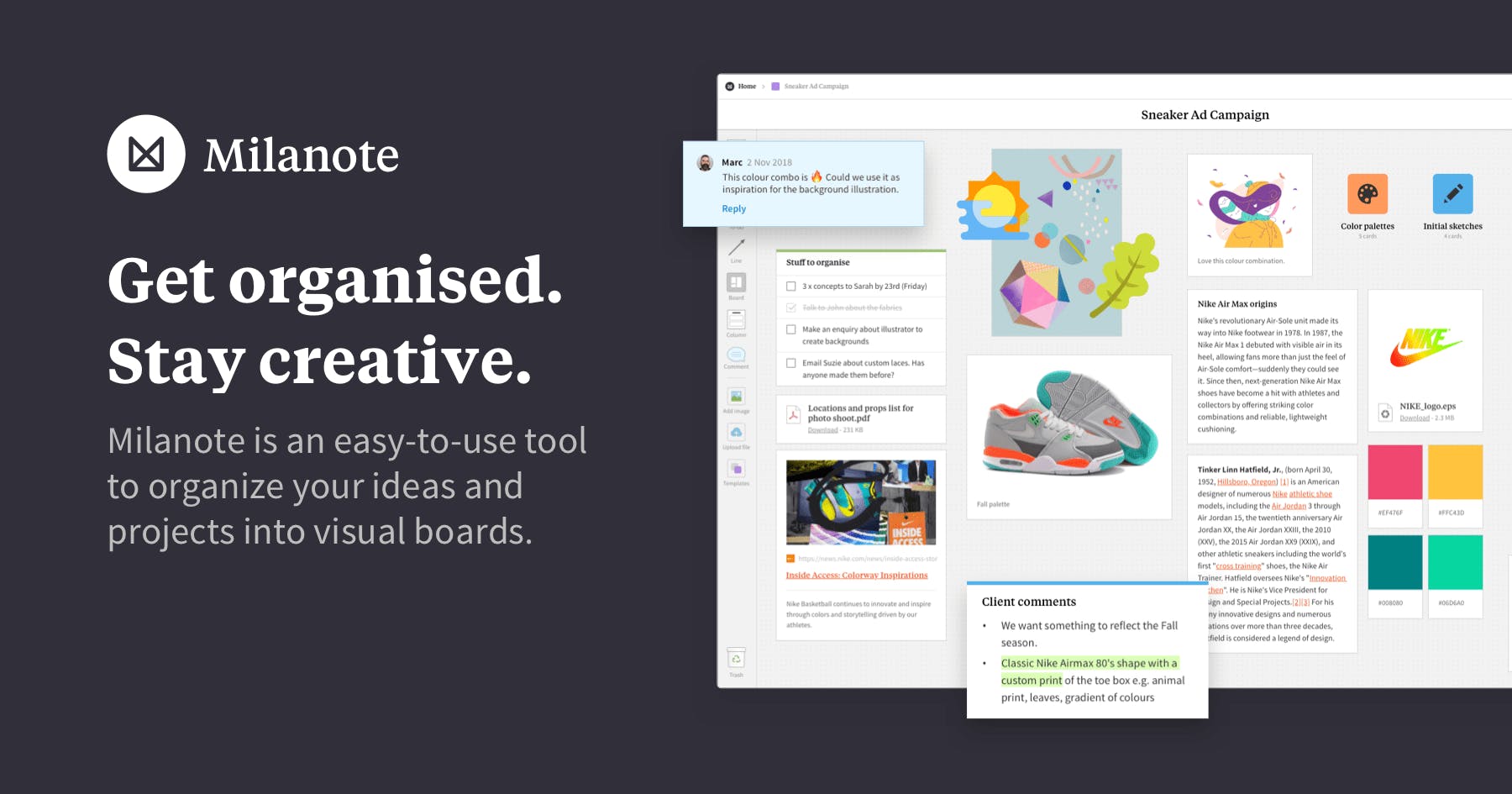 MilanoteFree plan, $9.99/user/Creative teams and freelancers in design, filmmaking, photography, writing and marketing who plan projects visually and share boards with clients.
 WorkFlowyFree plan, $6.99/moIndividual founders and operators who want fast capture and focus through nested lists rather than documents, folders or heavy databases.
 HyprnoteNot publishedFounders and operators juggling many tools who want a notepad that remembers context and carries out their to-dos
 OpennoteNot publishedFounders and operators who were already using Opennote and need to export their data, since the app is shut down and support is available by email.
 EpicenterNot publishedDevelopers and deep-reading founders who want notes, transcripts and chat histories kept as local files they control.
About Note-taking Apps
Note-taking apps capture, organize and retrieve information. Some store notes as linked documents, some as nested lists, some as visual boards, and newer ones add AI to pull in context from meetings, files and other tools. Choosing one comes down to how you think and how you work with other people.
The products on this list differ mainly in approach. Obsidian and Logseq keep notes as local Markdown files and suit individuals who want full control of their data. Evernote and Milanote are hosted services with collaboration and broader feature sets. WorkFlowy uses a single nested bullet list, while RemNote and Epicenter target students and developers with specialized study or local-first workflows. Pricing ranges from fully free core apps to paid tiers, and several products do not publish prices at all.
The 9 best Note-taking Apps, compared
- Not published
1.Evernote
Best for: Individual knowledge workers and small teams that want notes, tasks, and calendar events kept together in one app.
- Pricing
- Not published
- Category
- Productivity & Project Management
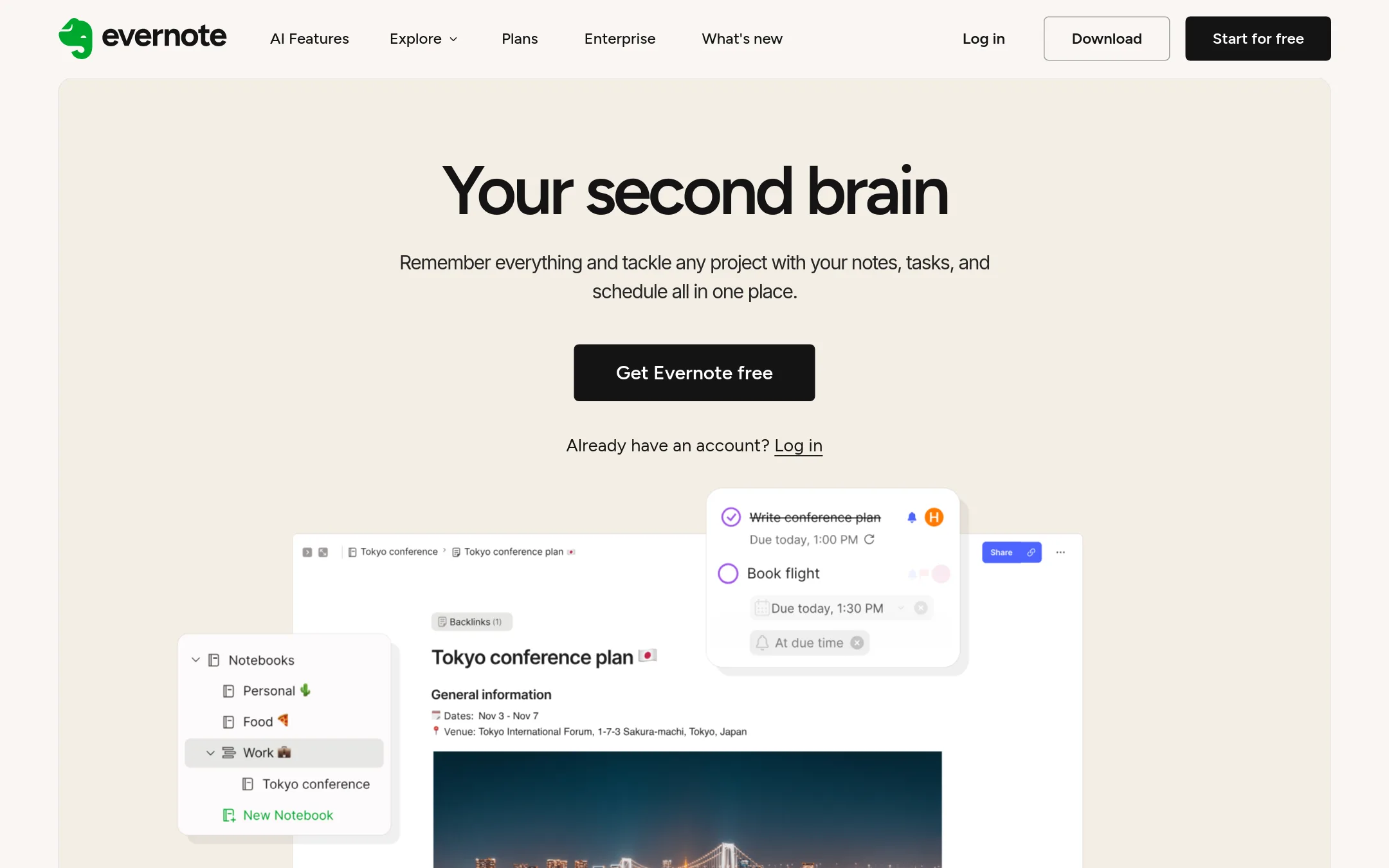
Evernote is a note-taking app built to act as a second brain, combining notes, tasks, and calendar events in one place. It has been around long enough to offer a mature set of tools, including advanced search with Boolean and filtered queries, a web clipper, and document scanning. Its AI features cover search, transcription of meetings, and connections to outside AI tools through MCP.
Where it is strong
- Tasks can have dates and reminders, and they can be assigned to others.
- Advanced search supports Boolean, geographic, and filtered queries.
- Meeting recording, transcription, and summaries are included as AI features.
Where it falls short
- The free plan limits you to 1 device and 1000 notes, so syncing across devices needs a paid plan.
- Many of the most useful features, including AI tools and external calendar connections, depend on which paid plan you choose.
- Pricing:
- Pricing is not published on the site.
- Free, Sync from $4/use
2.Obsidian
Best for: Founders and operators who want a private, long-lived personal knowledge base they fully control and can extend with plugins

- Pricing
- Free, Sync from $4/use
- Category
- Productivity & Project Management
Obsidian is a note app that stores your notes locally as plain Markdown files, so they stay on your device and remain readable without the app. It links notes to each other and shows those links in an interactive graph, and it adds an infinite Canvas for diagrams. Thousands of community plugins and themes let you reshape it to fit your workflow.
Where it is strong
- Notes are stored locally as plain text Markdown files, so you are not locked in
- Bi-directional links and an interactive graph reveal connections between notes
- Thousands of community plugins and themes let you tailor the app to your workflow
Where it falls short
- Collaboration on shared files is limited to Sync, and the app is built mainly for individual use
- Publishing, encrypted sync and other extras cost extra on top of the free core app
- Pricing:
- The core app is free with no sign-up, Sync costs $4 per user per month billed annually or $5 billed monthly, and Publish costs $8 per site per month billed annually or $10 billed monthly.
- Free plan, paid tiers
3.RemNote
Best for: Students who want notes and flashcards in one place, especially those preparing for exams with a fixed date
- Pricing
- Free plan, paid tiers
- Category
- Productivity & Project Management
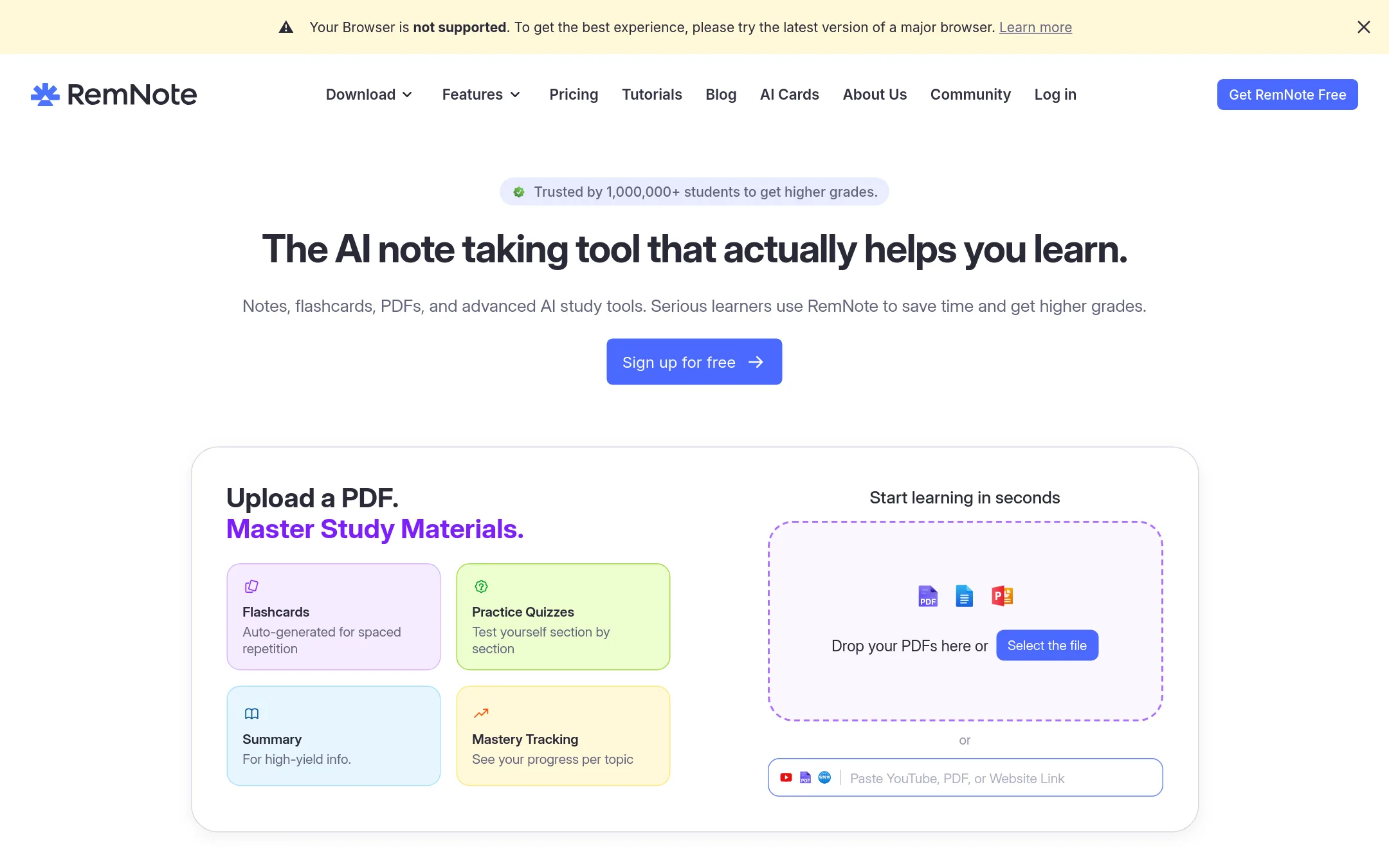
RemNote puts note-taking, PDF annotation, and flashcards in one app, so students do not need to juggle separate tools. Its built-in spaced repetition schedules reviews just before material is forgotten, and an exam scheduler sets a daily study plan around a test date. The site reports more than 1,000,000 students using it.
Where it is strong
- Flashcards are created inside the notes as you write them
- Exam scheduler gives a daily study plan based on your test date
- Works offline and syncs notes across devices
Where it falls short
- Advanced AI tools and backups sit behind the paid upgrade
- Built mainly for students, so it may feel too study-focused for general team note-taking
- Pricing:
- Pricing is not published on the site.
- Free for personal use
4.Logseq
Best for: Students, academics, and writers who want to link ideas across daily notes and turn them into outlines without giving up local control of their files.
- Pricing
- Free for personal use
- Category
- Productivity & Project Management
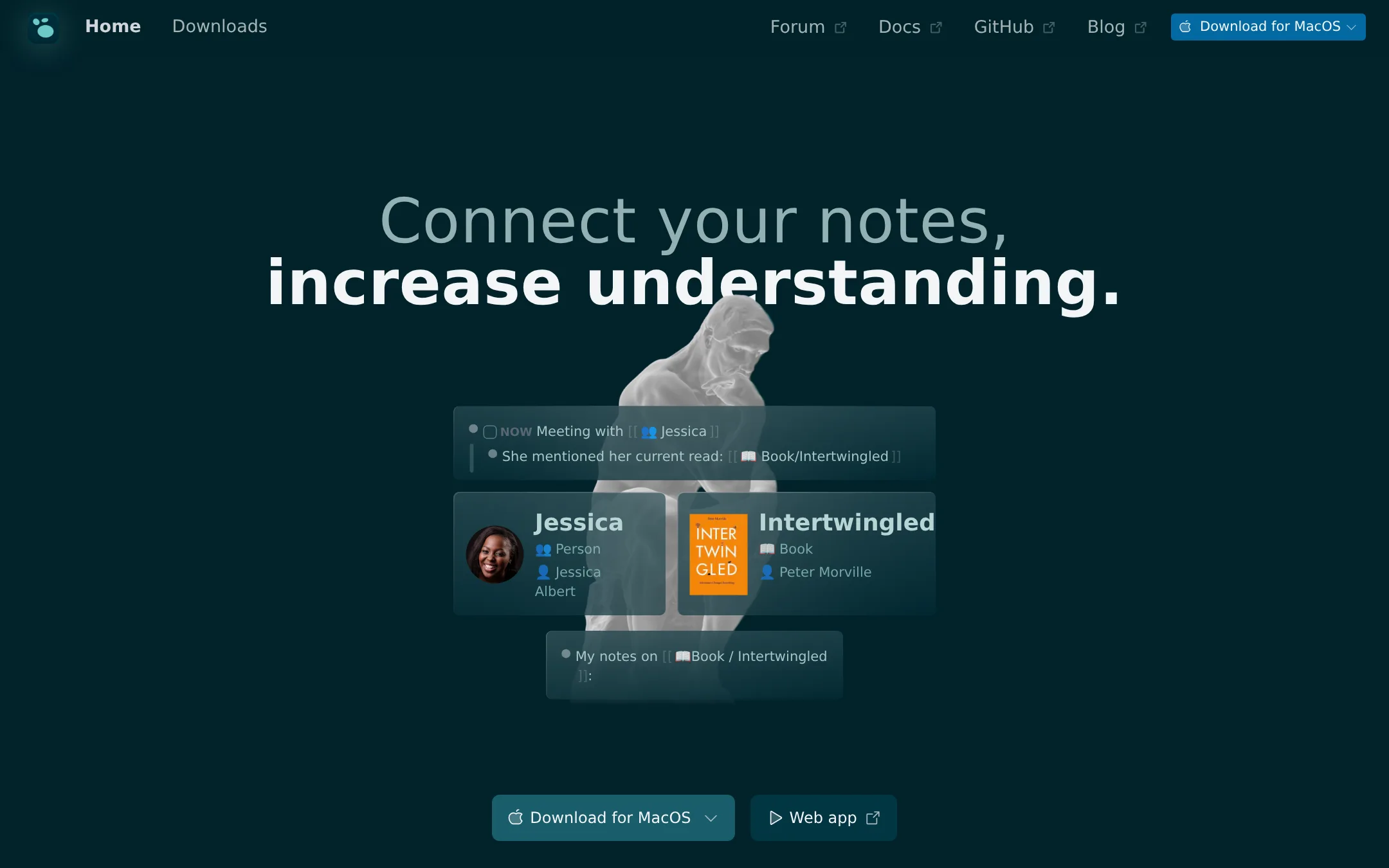
Logseq is an open-source, privacy-first knowledge base that stores your notes as plain Markdown files on your own device. Linked references, queries, and block references let you connect ideas across notes, and flashcards help you memorize facts. Its files open in other tools, so you are never locked in.
Where it is strong
- Notes are local Markdown files you can open in other tools
- Linked references, queries, and block references connect ideas
- Free for personal use, with iOS and Android apps and 150+ plugins
Where it falls short
- Encrypted sync is still in beta, so cross-device syncing may be rough
- Its outliner-first, block-based approach has a learning curve for people who prefer free-form documents
- Pricing:
- Logseq is free for personal use, and encrypted sync between devices is in beta. Pricing for paid tiers is not published on the site.
- Free plan, $9.99/user/
5.Milanote
Best for: Creative teams and freelancers in design, filmmaking, photography, writing and marketing who plan projects visually and share boards with clients.
- Pricing
- Free plan, $9.99/user/
- Category
- Productivity & Project Management
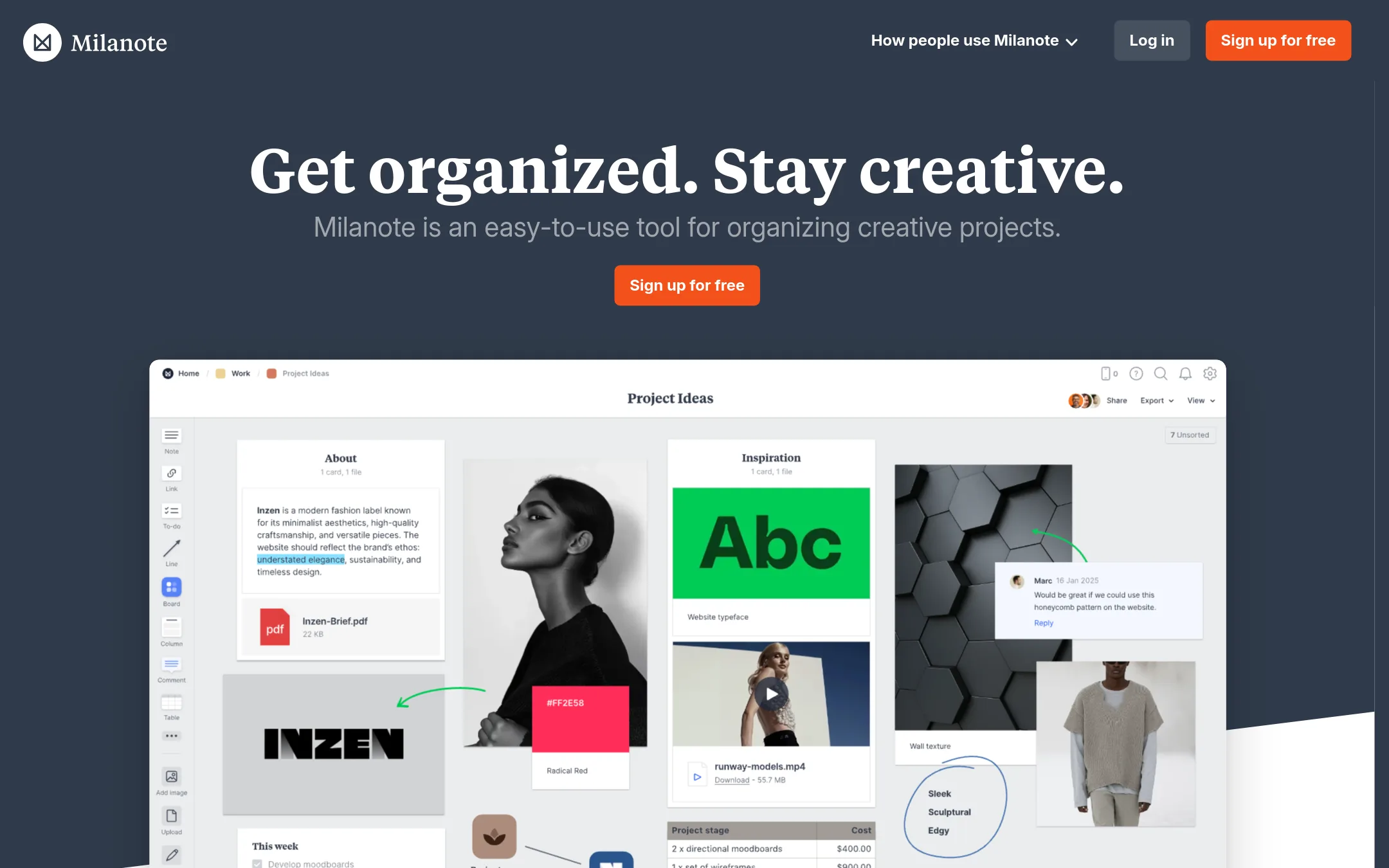
Milanote is a visual board tool where you combine notes, images, links, sketches and files on one canvas and move them around like a mood board. It saves web content in a single click, so research lands on the board without copy and paste. Teams can invite others to edit, comment or only view a board, and it runs on desktop and mobile.
Where it is strong
- Visual boards let you see the big picture and the details of a project together.
- One-click web clipper saves links and content straight into a board.
- Team plan with edit, comment and view access suits client collaboration.
Where it falls short
- The free plan caps you at 100 notes, images or links, so active projects will hit the limit quickly.
- It is built around visual, mood-board style work, so teams that want structured text notes or databases may find it a poor fit.
- Pricing:
- The free plan allows 100 notes, images or links and 10 file uploads with no time limit, the paid plan is $9.99 per person per month billed annually or $12.50 billed monthly, and the team plan is $49 per month for up to 10 people.
- Free plan, $6.99/mo
6.WorkFlowy
Best for: Individual founders and operators who want fast capture and focus through nested lists rather than documents, folders or heavy databases.
- Pricing
- Free plan, $6.99/mo
- Category
- Productivity & Project Management
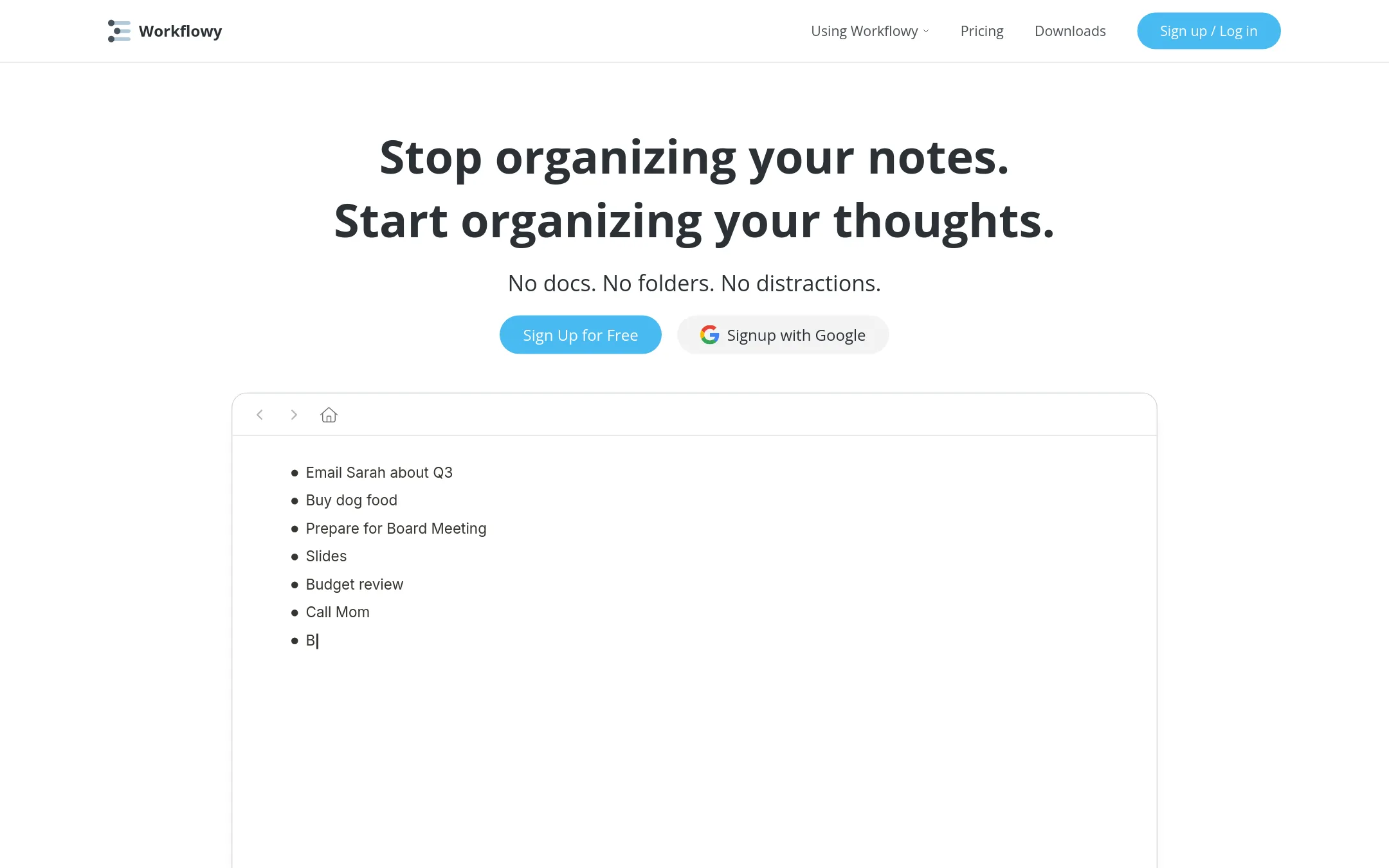
WorkFlowy organizes notes as one nested bullet list, where you indent items to create order and hide what you do not need right now. It syncs instantly across web, desktop and mobile, and the company says it has served users for over 14 years. The free plan includes all features with a cap of 100 nodes per month, which lets you test the core workflow before paying.
Where it is strong
- One bullet list holds notes, tasks and plans, so there is little to set up.
- Indenting bullets keeps attention on the current item.
- Free plan includes all features, and Pro removes the node cap.
Where it falls short
- The free plan's 100 nodes per month can run out quickly for heavy users.
- It has no built-in structure for databases or rich documents, so teams wanting those features will look elsewhere.
- Pricing:
- The Basic plan is free forever with 100 nodes per month and 100mb of uploads, and Pro costs $6.99 per month billed annually or $8.99 per month, with unlimited nodes and uploads.
- Not published
7.Hyprnote
Best for: Founders and operators juggling many tools who want a notepad that remembers context and carries out their to-dos
- Pricing
- Not published
- Category
- Productivity & Project Management
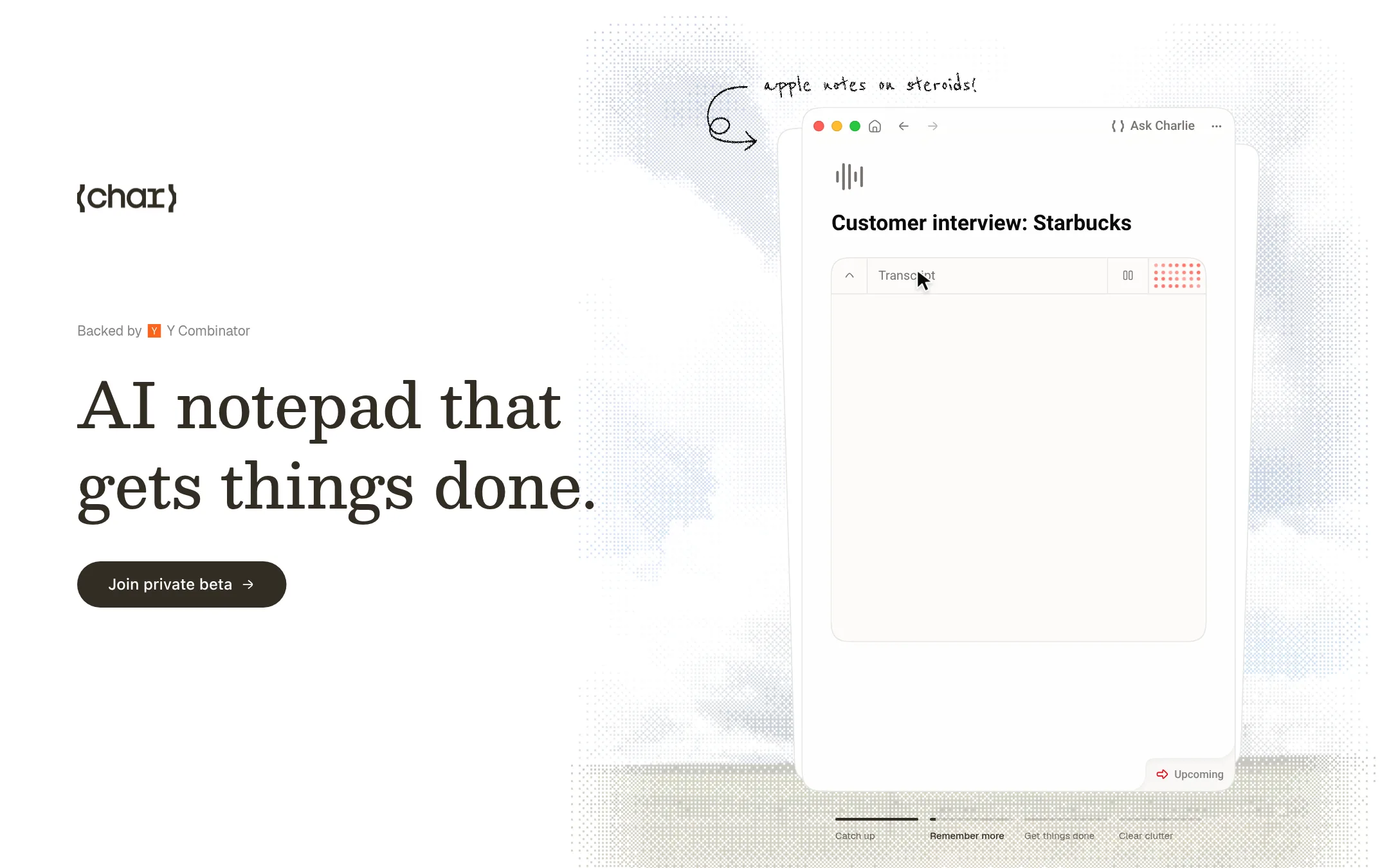
Char is an AI notepad that pulls context from meetings, messages, calendars, files, and tools into one place, then turns checkboxes into finished work. Agents research before calls, draft follow-ups, and schedules, and the notepad remembers projects and how you work over time. It is the newer product from the team behind the open-source meeting notetaker Anarlog.
Where it is strong
- Pulls context from meetings, messages, calendars, files, and tools into one notepad
- Agents can research, draft follow-up emails, and schedule meetings from a checkbox
- Remembers your projects and work style so it improves over time
Where it falls short
- Still in private alpha, so it is not yet available as a paid product
- Pricing and plan details are not published, so budgeting is hard for now
- Pricing:
- Pricing is not published on the site.
- Not published
8.Opennote
Best for: Founders and operators who were already using Opennote and need to export their data, since the app is shut down and support is available by email.

- Pricing
- Not published
- Category
- Productivity & Project Management
Opennote was a notebook built to help people make sense of scattered information. The team has been acquired by Reducto, and the app has been sunset, so it can no longer be used. It is worth knowing about only as a product that is no longer available.
Where it is strong
- Aimed at organizing scattered information into one notebook
- Built for personal knowledge and learning
- Support is available to help users get a copy of their data
Where it falls short
- The app is sunset and no longer available to use
- The company was acquired, so there is no active product or roadmap to evaluate
- Pricing:
- Pricing is not published on the site.
- Not published
9.Epicenter
Best for: Developers and deep-reading founders who want notes, transcripts and chat histories kept as local files they control.

- Pricing
- Not published
- Category
- Productivity & Project Management
Epicenter is a set of open-source, local-first apps that share one folder of plain text and SQLite files, so a meeting recorded in Whispering can be edited in Obsidian and queried by your AI without exports. It is a credible pick because the data is yours and the code is auditable, and the site says the sync server is open source and can run on Cloudflare Workers.
Where it is strong
- Notes and transcripts are plain text and SQLite files you can open with any editor or grep
- Works with Obsidian, Git and VS Code, and you choose your own AI models and API keys
- Sync is optional and self-hostable, and you can run entirely offline
Where it falls short
- Epicenter Cloud does not encrypt workspace data, so the sync server can read plaintext
- The site does not publish pricing, and the product set is still small with more tools described as coming soon
- Pricing:
- Pricing is not published on the site.
How to choose Note-taking Apps
Start with pricing structure. Some apps are free for core use, with paid add-ons for sync, publishing or extra capacity, as with Obsidian. Others cap the free plan by volume, such as Milanote's 100 notes or images and WorkFlowy's 100 nodes per month, which can run out quickly on an active project. Check whether the features you need sit behind a paid plan before you commit.
Consider who the product is built for. Evernote and Milanote support team sharing with different permission levels, while Obsidian is built mainly for individual use and offers only limited collaboration on shared files. RemNote is designed around study and spaced repetition, so it may feel too narrow for general team work. Match the app to the people who will actually use it.
Look at data ownership and integrations. Obsidian, Logseq and Epicenter store notes as plain files you can open in other tools, which reduces lock-in. Evernote offers connections to outside AI tools and calendar services, and its paid plans determine which of these you get. If your team relies on a particular calendar, AI model or export path, confirm it works before you buy.
Check data handling and security. Epicenter Cloud does not encrypt workspace data, so its sync server can read plaintext, while its local files stay on your device. Logseq's encrypted sync is still in beta. Where compliance matters, read the vendor's security terms and confirm the answers in writing.
Review support and contract terms before you commit. Some products are in alpha or beta, and at least one has been sunset after an acquisition. Ask what happens to your data if the vendor changes direction, and confirm how you would export your notes.
FAQ
Questions about Note-taking Apps
What is a note-taking app used for?
A note-taking app captures and organizes information so you can find it again later. Some apps link notes together, some organize them as lists or boards, and some help with study or meetings. The right choice depends on how you work and whether you need to share notes with others.
Which note-taking apps store notes on my own device?
Obsidian, Logseq and Epicenter store notes as local files. Obsidian and Logseq use plain Markdown files that open in other tools, and Epicenter uses plain text and SQLite files. Sync is optional with these tools, and you can run Epicenter entirely offline.
Is there a free note-taking app I can try first?
Several products offer a free plan. Obsidian's core app is free with no sign-up, Milanote's free plan allows 100 notes, images or links, and WorkFlowy's Basic plan is free forever with 100 nodes per month. Check the limits on each free plan before relying on it for active work.
Which note-taking app is best for teams?
Milanote and Evernote are the most suitable for team collaboration among these products. Milanote's team plan at $49 per month covers up to 10 people with edit, comment and view access. Obsidian is built mainly for individual use, with collaboration limited to Sync on shared files.
Should I avoid any of these apps?
Opennote should be avoided for new use because it has been sunset and is no longer available, and its team was acquired by Reducto. Anyone who used it should contact support to export their data. Hyprnote is still in private alpha, so it is not yet a paid product and pricing is unpublished.
Last updated November 6, 2026.