7 Best Productivity Tools in 2026
Updated November 6, 2026
The short answer
The three strongest productivity tools on this list are Raycast, Alfred and Dayflow. Raycast suits engineering and product teams that switch between many apps and want keyboard-driven shortcuts. Alfred suits Mac-based founders and operators who want fast app launching and automation for free. Dayflow suits developers, freelancers and knowledge workers on Mac who want an automatic log of their actual work.
The shortlist, at a glance
Read the comparisons ↓ RaycastFree plan, paid tiersEngineering and product teams that switch between many apps and want to run common tasks from the keyboard.
 TeamNoteNot publishedEnterprises and government teams with frontline or field workers who need secure mobile chat, workflows and helpdesk on their own devices.
 LifeAtFree, Pro from $12/moFreelancers and solo operators who want one place to plan work and personal tasks while keeping their focus.
 AlfredFree core, paid PowerpFounders and operators on Macs who spend much of the day switching between apps, files and the web and want to keep their hands on the keyboard
 Google WorkspaceNot publishedStartups and small teams that want email, storage, video calls and shared documents under one login and one admin console
 DayflowFree, $20/mo ProDevelopers, freelancers and knowledge workers on Mac who want an automatic, truthful log of their day without manual timers or tags
 OrgOrgFree plan, Pro variesFounders and small teams that have shipped a product and need to organize the company around it, starting with up to five people.
About Productivity Tools
Productivity tools are software that help people and teams plan work, find information, switch between apps and track how time is spent. They reduce repeated steps, keep work in one place and give a clearer view of what gets done.
The products on this list differ in approach and scale. Raycast and Alfred are desktop launchers that speed up everyday navigation on Mac, with Raycast running on Mac and Windows and Alfred on macOS only. LifeAt and OrgOrg focus on planning and company dashboards for individuals and small teams, while TeamNote and Google Workspace serve larger organisations. Dayflow tracks time automatically from screen activity, and its pricing is free to start with a paid Pro tier.
The 7 best Productivity Tools, compared
- Free plan, paid tiers
1.Raycast
Best for: Engineering and product teams that switch between many apps and want to run common tasks from the keyboard.
- Pricing
- Free plan, paid tiers
- Category
- Productivity & Project Management
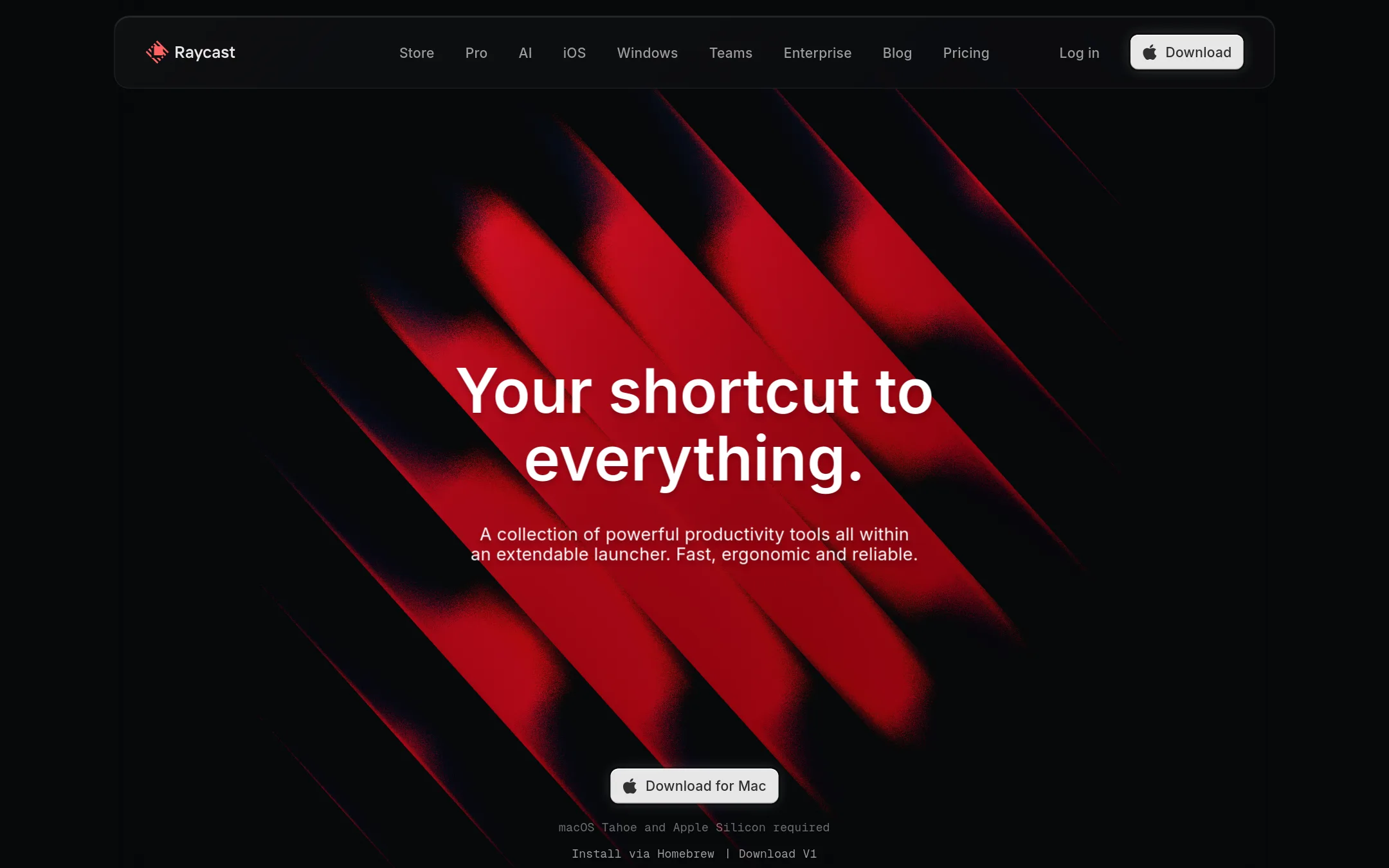
Raycast is an extendable launcher for Mac and Windows that puts keyboard-driven shortcuts to apps like Notion, Slack, Spotify, Jira, and 1Password in one place. Its extension store includes thousands of community-built tools, and the team says it has a 99.8% crash-free rate. Teams can also build and share private extensions.
Where it is strong
- Thousands of extensions cover apps like Notion, Jira, Slack, and 1Password.
- Snippets and quicklinks cut down on repeated typing and open tabs.
- Teams can share snippets, quicklinks, and private extensions, with a free Team plan that does not expire.
Where it falls short
- The free Team plan is capped at 30 shared snippets, 30 shared quicklinks, and 5 commands across extensions.
- AI features require a paid Pro plan, and the Free plan has no AI access.
- Pricing:
- Personal use is free, the Free plan is available for teams without a paid tier, and paid Pro and Teams plans include AI with credits, though the site does not publish a list price per seat in the supplied text.
- Not published
2.TeamNote
Best for: Enterprises and government teams with frontline or field workers who need secure mobile chat, workflows and helpdesk on their own devices.

- Pricing
- Not published
- Category
- Communication & Collaboration
TeamNote is a mobile-first workspace for team chat, workflows and internal helpdesk, built for staff who work from phones rather than desks. It runs as SaaS, in a private cloud or on-premise, and it connects to existing SSO and legacy systems. Its ISO 27001:2022 compliant encryption is the detail that sets it apart from general chat apps for regulated organisations.
Where it is strong
- Mobile-first design with BYOD support for staff on personal phones
- Custom app branding and themes for internal use
- On-premise, private cloud or SaaS hosting to match data policies
Where it falls short
- Pricing is not published, so budgeting requires a sales conversation
- Built around enterprise and government use, so it may be more than a small startup team needs
- Pricing:
- Pricing is not published on the site.
- Free, Pro from $12/mo
3.LifeAt
Best for: Freelancers and solo operators who want one place to plan work and personal tasks while keeping their focus.

- Pricing
- Free, Pro from $12/mo
- Category
- Productivity & Project Management
LifeAt puts task management and focus tools in one workspace, with a daily planner, unlimited todos and notes, and unified calendars. It pairs these with immersive moving backgrounds and focus music, which sets it apart from plain to-do apps. Its Business tier adds project management, time tracking, and invoicing for teams.
Where it is strong
- Combines task management with focus backgrounds and focus music in one app
- Pro includes unlimited todos, notes, and multiple calendars
- Business tier adds project management, time tracking, and invoicing
Where it falls short
- Business pricing is not published, so teams must ask for a quote
- Many of the best features, including the full planner and 1,000+ spaces, sit behind the paid Pro plan
- Pricing:
- Pro costs $15 per month billed yearly or $25 per month billed monthly, and a free plan is available, but the Business tier has no published price.
- Free core, paid Powerp
4.Alfred
Best for: Founders and operators on Macs who spend much of the day switching between apps, files and the web and want to keep their hands on the keyboard
- Pricing
- Free core, paid Powerp
- Category
- Productivity & Project Management
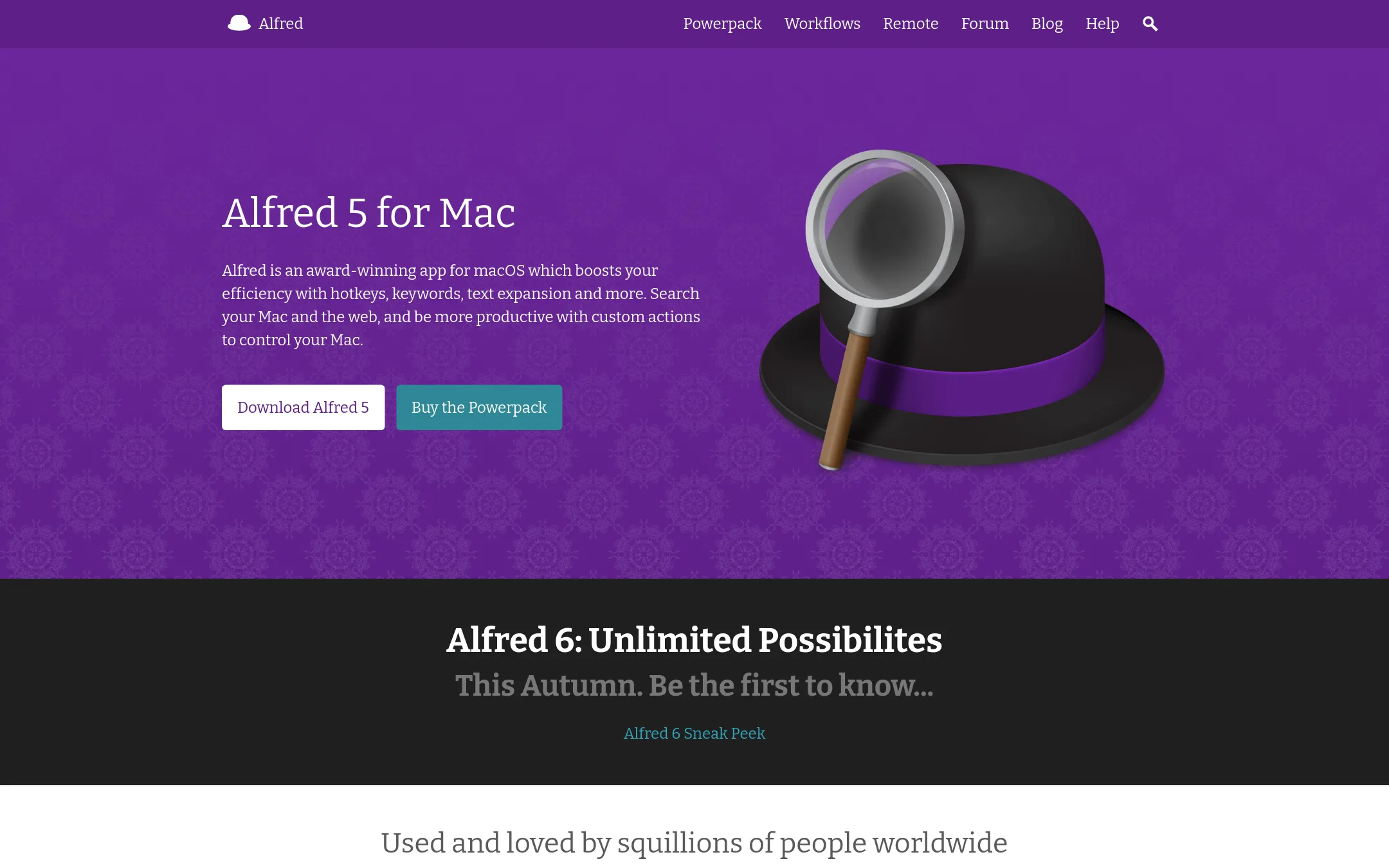
Alfred is a macOS app that handles app launching, file search, web search and calculations from a keyboard shortcut. Its clipboard history and snippet expansion cut down on repeated typing, and workflows let users automate routine tasks without writing code. The core app is free to download and use, which makes it an easy first step for a Mac-based team.
Where it is strong
- Launches apps, finds files and searches the web from one hotkey
- Clipboard history and snippets remove repeated typing of URLs and replies
- Workflows automate repetitive tasks and thousands are shared by the community
Where it falls short
- Only runs on macOS, so it does not help Windows or Linux users
- Most automation and theming sits behind the Powerpack, and its price is not listed on the site
- Pricing:
- Pricing is not published on the site.
- Not published
5.Google Workspace
Best for: Startups and small teams that want email, storage, video calls and shared documents under one login and one admin console
- Pricing
- Not published
- Category
- Productivity & Project Management
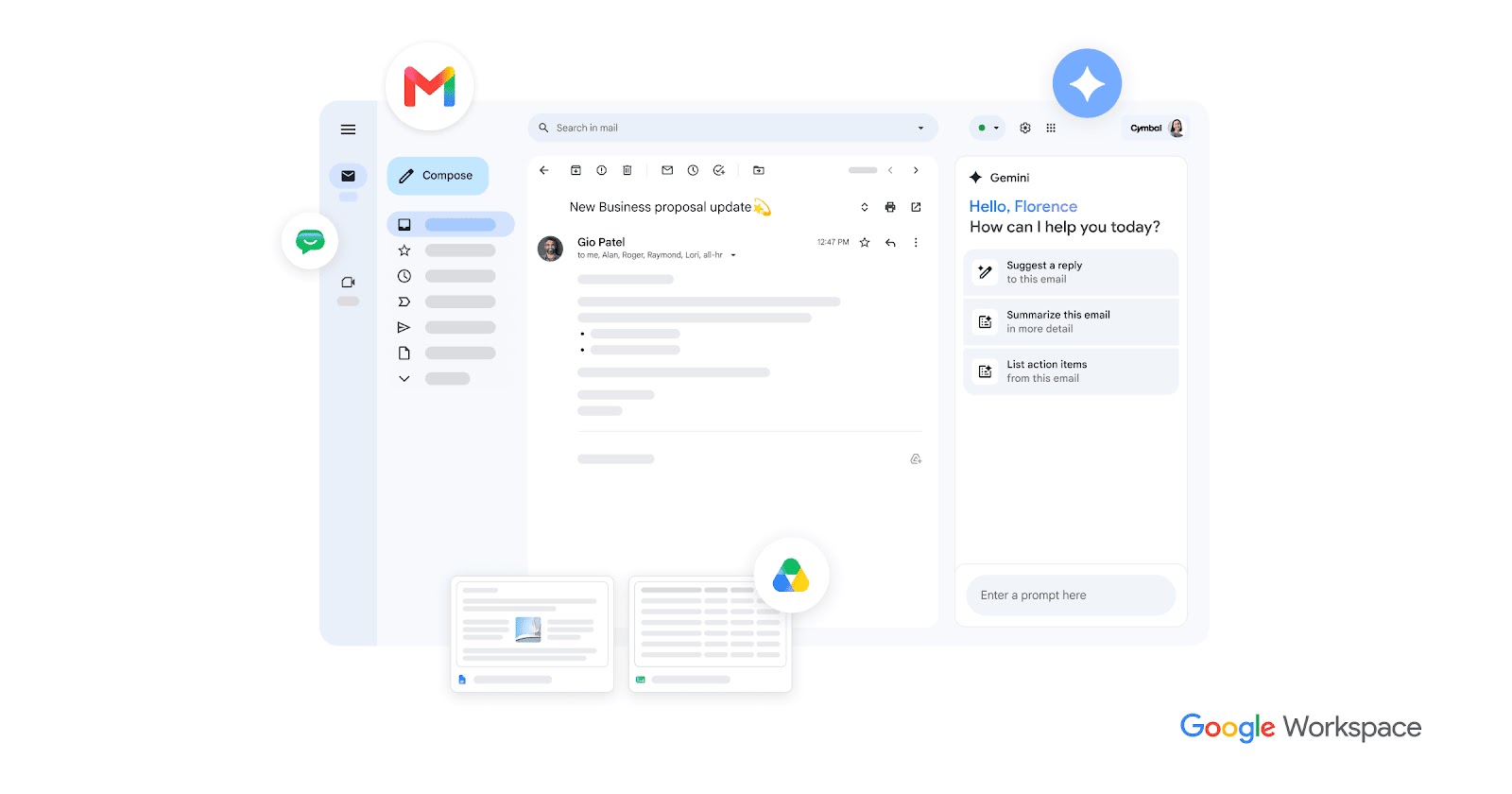
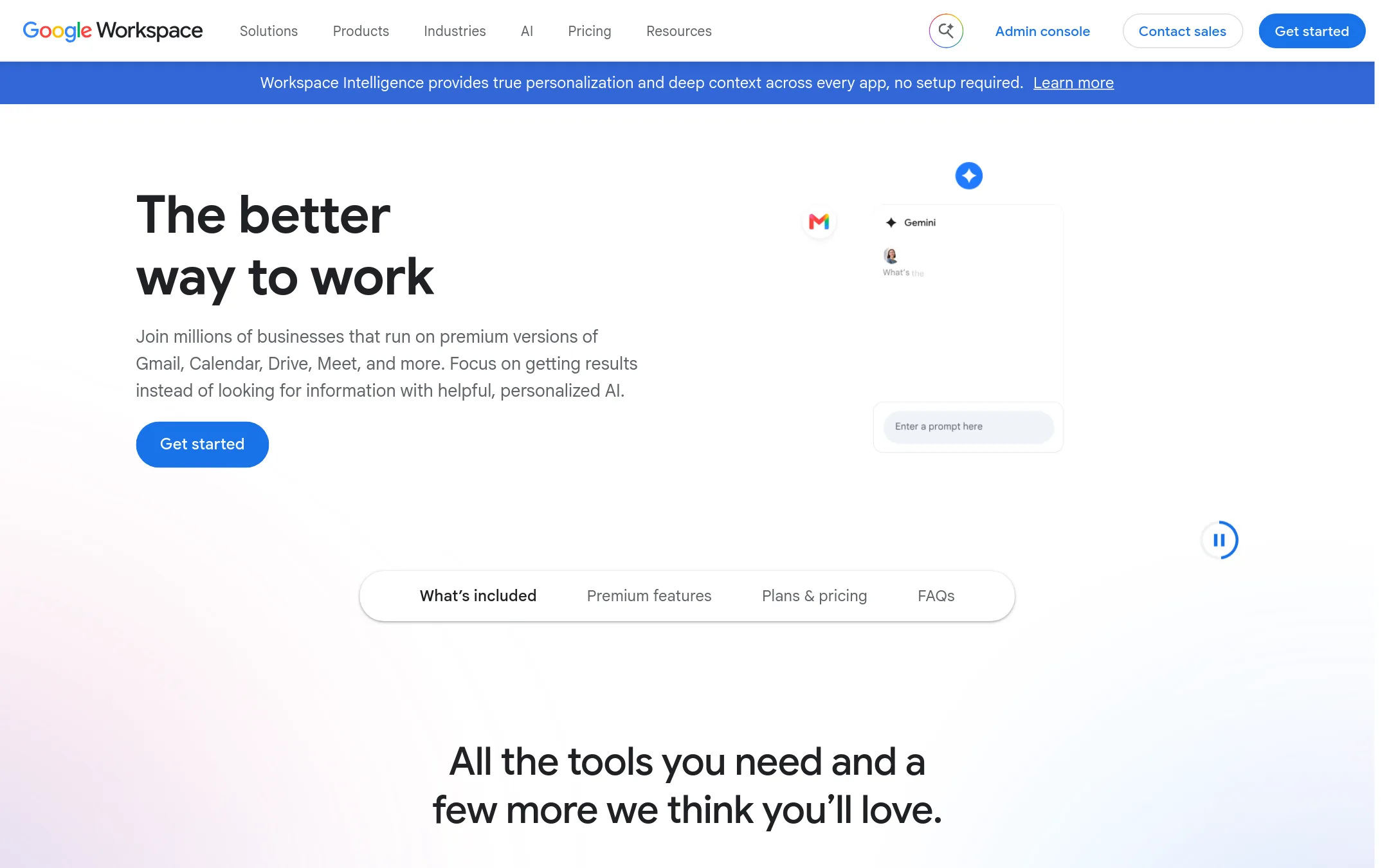
Google Workspace bundles Gmail, Drive, Meet, Chat, Calendar, Docs, Sheets and Slides into one set of business apps with shared accounts and an admin console. Its credibility comes from its scale and from being the long-running successor to G Suite, which many teams already know. Gemini AI assistance and AppSheet for no-code apps sit alongside the core tools.
Where it is strong
- Gmail, Drive, Meet and Docs work together under one account and admin console
- Covers organizations from small startups to large enterprises
- Includes Gemini AI assistant and AppSheet for building simple apps without code
Where it falls short
- Pricing is not published on the site, so you need to request a quote or check the pricing page to compare costs
- Suited to teams that already live in Google's ecosystem, and less useful if your stack is built around Microsoft tools
- Pricing:
- Pricing is not published on the site.
- Free, $20/mo Pro
6.Dayflow
Best for: Developers, freelancers and knowledge workers on Mac who want an automatic, truthful log of their day without manual timers or tags

- Pricing
- Free, $20/mo Pro
- Category
- Productivity & Project Management
Dayflow is a free, open-source automatic time tracker for Mac that records your screen and builds a readable timeline of what you actually worked on, not just app names. Full recordings stay on your Mac, and AI summaries let you write progress updates without relying on memory. Its MIT-licensed code can be inspected and built yourself, which is unusual among productivity tools.
Where it is strong
- Builds a timeline of actual work from screen activity, so no manual timers or tags are needed
- Full recordings and databases stay on your Mac, with local AI option for on-device analysis
- Open source under MIT, so the code can be audited and modified
Where it falls short
- Mac only today, with Windows still on a waitlist
- Local AI models need a capable GPU and can drain battery during long sessions
- Pricing:
- Free to use with local or bring-your-own AI keys, Pro is $20 per month month-to-month, and Enterprise pricing is available on request.
- Free plan, Pro varies
7.OrgOrg
Best for: Founders and small teams that have shipped a product and need to organize the company around it, starting with up to five people.

- Pricing
- Free plan, Pro varies
- Category
- Productivity & Project Management
OrgOrg is a suite that puts a customizable dashboard at the center of a company's daily work. Its OrgBase page acts as a team new-tab page, so everyone opens the same goals and metrics while each person tunes the rest to their own tasks. Its founding team includes the founder of Google Slides, which gives it some credibility among productivity tools built for early-stage companies.
Where it is strong
- Team new-tab dashboard keeps everyone pointed at the same goals and metrics
- Free plan covers up to five members with no credit card required
- Works alongside tools a team already runs, such as Slack and Google
Where it falls short
- Pro pricing amounts are not given in the material I was supplied, so cost at scale is hard to judge
- Larger organizations with advanced needs are pointed to custom terms and a sales conversation rather than published tiers
- Pricing:
- The Free plan covers up to 5 team members with no credit card required, and Pro includes unlimited members, 10 times the Free AI cap, and priority support, but the Pro price itself is not stated in the supplied text.
How to choose Productivity Tools
Start with pricing structure. Some products on this list are free for personal use or small teams, such as Alfred, Dayflow's free tier and OrgOrg's free plan for up to five members. Others publish a price for a Pro tier but keep team or enterprise pricing behind a sales conversation, as with LifeAt's Business tier and TeamNote. Check which features sit behind the paid plan before committing.
Next, consider who the product is built for. TeamNote is designed for frontline and field staff on mobile devices and for regulated organisations. Google Workspace suits teams already using Google's ecosystem, and is less useful for teams built on Microsoft tools. Matching the product to your team's existing work habits will matter more than feature count.
Think about integrations and platform support. Raycast connects to apps such as Notion, Jira, Slack and 1Password through its extensions. Alfred and Dayflow run only on Mac today, so Windows or Linux users will need another option.
Review data handling and compliance. TeamNote offers on-premise, private cloud or SaaS hosting and ISO 27001:2022 compliant encryption. Dayflow keeps full recordings on your Mac, and its local AI option means the analysis can run on-device. Consider where your data will live and who needs access to it.
Finally, look at support and contract terms. OrgOrg's Pro plan includes priority support, and larger organisations are directed to custom terms. Ask about contract length, seat limits and what happens to your data if you change tools.
FAQ
Questions about Productivity Tools
What are productivity tools?
Productivity tools are software that help people plan work, find information, switch between apps and track how time is spent. They reduce repeated steps and keep work organised in one place. The products on this list cover launchers, planners, team dashboards and business suites.
Are there free productivity tools on this list?
Yes. Alfred's core app is free to download and use, Dayflow is free and open source with local or bring-your-own AI keys, and OrgOrg has a Free plan for up to five team members with no credit card required. Raycast also offers a free tier, though its free Team plan has limits on shared snippets and commands.
Which productivity tools work on Windows?
Raycast runs on both Mac and Windows. Alfred and Dayflow run only on macOS, and Dayflow's Windows version is still on a waitlist. Google Workspace and OrgOrg are web-based and work alongside the tools a team already runs.
How much do productivity tools cost?
Costs vary widely. LifeAt's Pro plan is $15 per month billed yearly or $25 per month billed monthly, and Dayflow's Pro plan is $20 per month month-to-month. Several products, including Google Workspace, TeamNote and LifeAt's Business tier, do not publish pricing and require a quote.
What should I check before choosing a productivity tool for my team?
Check the pricing model and which features sit behind paid plans, as some products keep team or enterprise tiers behind a sales conversation. Confirm the platform and integrations match your existing stack, and review where data is stored and how it is protected. Also check support options and contract terms before committing.
Last updated November 6, 2026.