6 Best Video Editing Software in 2026
Updated November 6, 2026
The short answer
The strongest video editing software picks on this list are Descript, Kino AI and Cardboard. Descript suits marketing and content teams that turn long recordings and podcasts into clips and captioned posts. Kino AI suits video teams working with large libraries of camera footage, and Cardboard suits creators and small teams who want a first cut built from a written description.
The shortlist, at a glance
Read the comparisons ↓ DescriptFree plan, from $16/moMarketing and content teams that turn long recordings and podcasts into clips and captioned posts without a dedicated video editor.
 Diffusion StudioFree, Pro from creditsDevelopers and product teams who want coding agents to produce or update video, such as recurring product or marketing clips built from code.
 Kino AIFree plan, paid upgradVideo teams and content operators who work with large libraries of camera footage and want an AI agent to build rough cuts they can adjust.
 Shred VideoNot publishedAdventure tour operators such as skydiving drop zones and bungy sites that want to sell customer videos without adding editing staff.
CodecNot publishedIndividuals and small teams who shoot on a phone and want their everyday clips to look more polished and cinematic.
 CardboardFrom $8/monthCreators and small teams making social clips, product videos, podcasts, or documentaries who want a first cut built from a written description.
About Video Editing Software
Video editing software is the tool used to cut, arrange, and finish video footage into finished clips, videos, and captions. It handles jobs such as trimming recordings, adding captions, cleaning up audio, and exporting for different platforms.
The products on this list differ in approach, scale and pricing. Descript edits video by editing its transcript and is aimed at teams with enterprise security needs. Diffusion Studio is built so coding agents can read and render projects as code. Kino AI focuses on large camera libraries, Cardboard builds first cuts from written prompts, and Shred Video is built for adventure tour operators. Pricing ranges from free editors with paid upgrades to plans listed per person or per month, and some products publish no pricing at all.
The 6 best Video Editing Software, compared
- Free plan, from $16/mo
1.Descript
Best for: Marketing and content teams that turn long recordings and podcasts into clips and captioned posts without a dedicated video editor.
- Pricing
- Free plan, from $16/mo
- Category
- Media & Entertainment
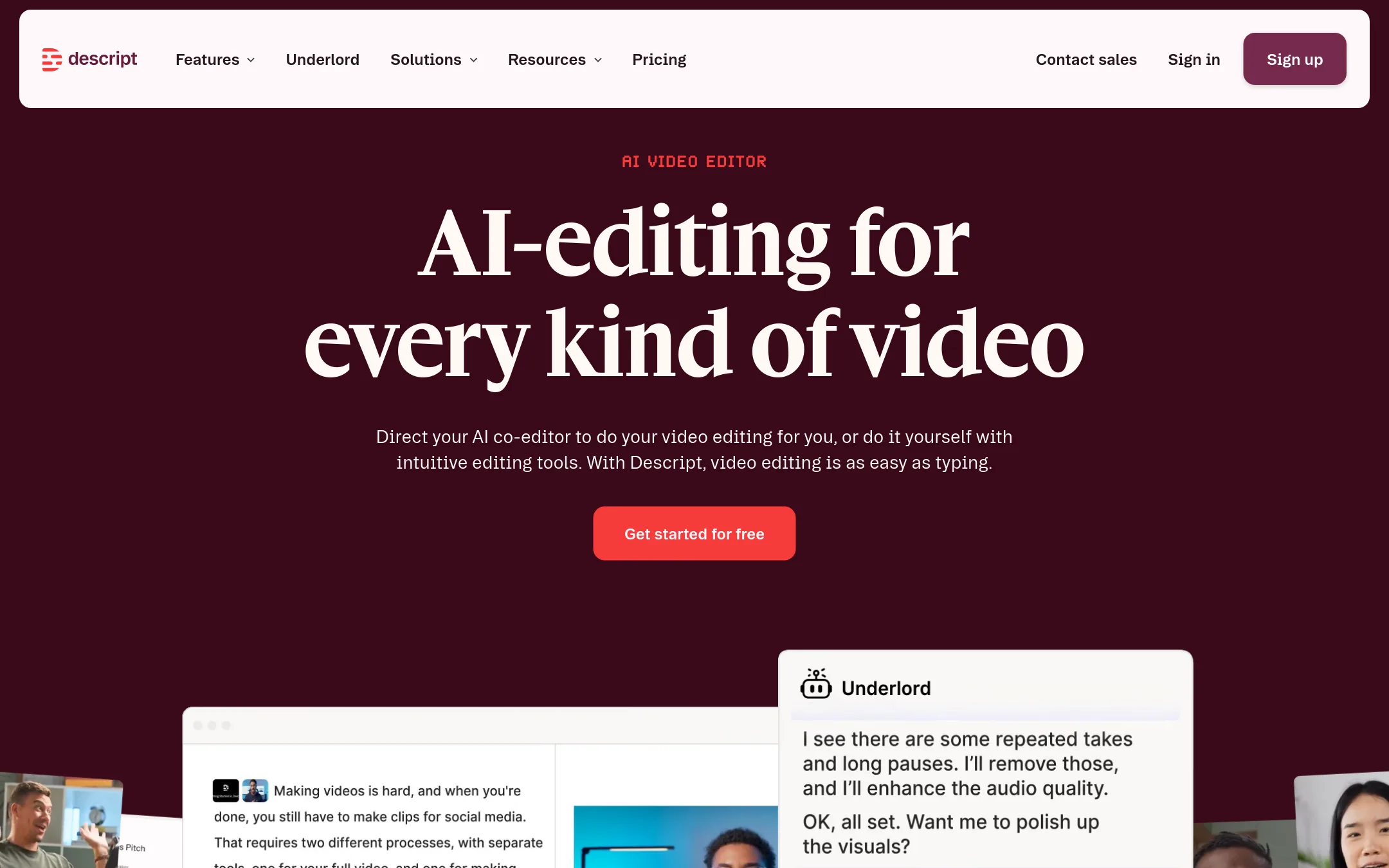
Descript lets you edit video and audio by editing the transcript, so deleting a word cuts that moment from the footage. It records, transcribes, cleans up audio with Studio Sound, removes filler words, and exports captions and clips in one online tool. Enterprise teams at Amazon, Canva and Salesforce use it, and it holds SOC 2 Type II certification with SAML SSO and SCIM.
Where it is strong
- Editing by deleting words in a transcript makes first cuts quick for beginners
- Studio Sound and filler word removal clean up audio in one click
- SOC 2 Type II, SSO and SCIM support enterprise security reviews
Where it falls short
- Free plan has media hour and AI credit limits, so heavier users will need a paid tier
- Teams needing custom invoicing such as ACH transfer must go through the Enterprise sales process
- Pricing:
- Plans range from a free tier with no credit card required to Hobbyist at $16 per person per month, Creator at $35, and Business at $50 per person per month billed annually, with Enterprise priced on request.
- Free, Pro from credits
2.Diffusion Studio
Best for: Developers and product teams who want coding agents to produce or update video, such as recurring product or marketing clips built from code.
- Pricing
- Free, Pro from credits
- Category
- Media & Entertainment
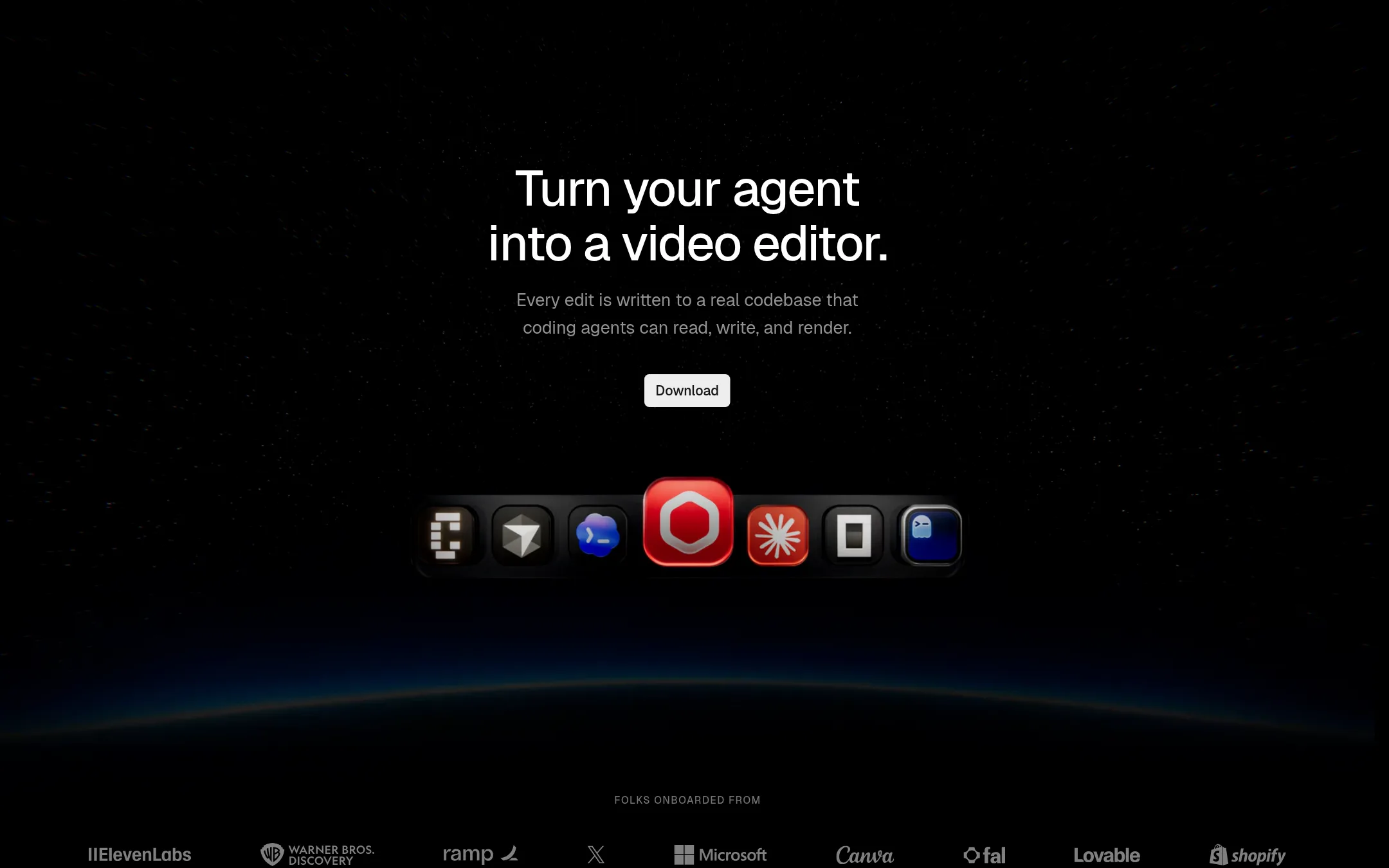
Diffusion Studio is a video editor that runs in the browser or as a desktop app for macOS and Windows. Edits are written to a real codebase, so coding agents such as Claude Code, Codex, and Cursor can read, change, and render projects. It is open source under MPL 2.0 and offers unlimited exports up to 4K on every plan, including free.
Where it is strong
- Edits are plain code, so agents and version control can work on them
- Unlimited exports up to 4K with no watermark on any plan
- Open source under MPL 2.0, including the editor and the dapi CLI
Where it falls short
- Agentic editing is only available in the desktop app, not the web version
- Editing with a coding agent is not an option for people without one, and AI generation depends on a credit budget that does not roll over
- Pricing:
- The editor and exports are free, and paid plans start at Pro with 2,500 credits per month, Plus at 5,000 credits per month, and Max at 15,000 credits per month, with yearly billing saving 20% to 33%.
- Free plan, paid upgrad
3.Kino AI
Best for: Video teams and content operators who work with large libraries of camera footage and want an AI agent to build rough cuts they can adjust.

- Pricing
- Free plan, paid upgrad
- Category
- Media & Entertainment
Kino stores, searches and edits footage in one shared library, and it plays camera originals such as RED, Blackmagic RAW, ProRes and MXF without transcoding them. Every clip is transcribed and described shot by shot, so you can search for what is said or shown on screen. Review works through a shareable link where comments land on the timeline.
Where it is strong
- Plays camera originals like RED and ProRes without transcoding
- Every clip is transcribed and searchable by speech and on-screen content
- Review comments from a browser link appear on the timeline
Where it falls short
- AI features such as search and editing require a paid upgrade
- Overages are billed at on-demand rates once a plan's monthly AI credits run out
- Pricing:
- The full editor is free with no credit card required, and paid upgrades add shareable links, footage search and AI editing with monthly AI credits measured in hours of footage.
- Not published
4.Shred Video
Best for: Adventure tour operators such as skydiving drop zones and bungy sites that want to sell customer videos without adding editing staff.

- Pricing
- Not published
- Category
- Media & Entertainment
Shred Video builds automated video and photo systems for adventure tour operators. It uses LiDAR, GPS and smart cameras to capture and edit footage without staff, then delivers videos to customers through the cloud within seconds of landing. The site names skydiving, bungy jumping and river rafting among the activities it serves.
Where it is strong
- Delivers videos and photos within seconds of an activity ending, so customers can share right away
- Needs no dedicated staff to run, and works with an existing photographer or videographer if you have one
- Lets you try a free demo before paying
Where it falls short
- Built for adventure activities, so it is not a fit for general video editing needs
- No pricing or plan details are published, so you must request a quote to compare costs
- Pricing:
- Pricing is not published on the site.
- Not published
5.Codec
Best for: Individuals and small teams who shoot on a phone and want their everyday clips to look more polished and cinematic.

- Pricing
- Not published
- Category
- Media & Entertainment
Codec turns everyday phone footage into more cinematic videos, aiming to act as a production team in your pocket. The site says it is built for anyone with a phone who wants their clips to look like a filmmaker shot them. It is still in development, so the public material describes the goal more than a finished feature set.
Where it is strong
- Aimed at phone footage, so no separate camera rig is needed
- Focused on turning ordinary clips into movie-style results
- Built as a simple tool for people without editing training
Where it falls short
- Still in development, with no public release or feature list yet
- The listing is not verified, so specifics are hard to confirm
- Pricing:
- Pricing is not published on the site.
- From $8/month
6.Cardboard
Best for: Creators and small teams making social clips, product videos, podcasts, or documentaries who want a first cut built from a written description.

- Pricing
- From $8/month
- Category
- Media & Entertainment
Cardboard is an agentic video editor that runs in the browser and on Mac. You describe the edit you want, and it cuts, captions, reframes, and composes a first cut from prompts, footage, or reference links. The page says it can render an hour of footage in about five minutes and cut dead air, filler words, and retakes.
Where it is strong
- Builds a first cut from a text prompt, your footage, or both, then refines it through chat or the timeline.
- Removes dead air, filler words, and retakes from long recordings.
- Renders an hour of footage in about five minutes, according to the site.
Where it falls short
- Generative AI features are not included on the Lite plan, and Lite exports carry a Made with Cardboard watermark.
- Premium video models and 4K exports require the Creator plan at $59/month or higher.
- Pricing:
- Plans run from Lite at $8/month to Pro at $175/month on monthly billing, with Starter at $29/month and Creator at $59/month, and first-month launch discounts of up to 78% off.
How to choose Video Editing Software
Start with the pricing structure. Some tools charge per person per month, others meter AI usage through monthly credits, and some offer a free editor with paid upgrades for features such as sharing or AI editing. Check what happens when credits run out, since Kino AI bills overages at on-demand rates and Diffusion Studio credits do not roll over.
Check who the product is built for. Descript suits teams turning recordings into clips, Shred Video suits adventure tour operators, and Diffusion Studio suits developers who want coding agents to produce video. A tool built for one workflow may not cover general editing needs.
Consider integrations and how your footage gets in and out. Diffusion Studio exports 4K with no watermark on every plan, and Cardboard's Lite plan adds a watermark and withholds 4K exports, which matters if you publish at higher resolution.
Review data and compliance needs. Descript holds SOC 2 Type II certification and supports SAML SSO and SCIM, which enterprise security reviews often ask for. Confirm these controls if your organisation needs them.
Finally, look at support and contract terms. Some vendors publish plans and let you start free, while others, such as Shred Video, do not publish pricing and require a quote. Get a quote in writing before you commit to a larger plan.
FAQ
Questions about Video Editing Software
What is video editing software used for?
Video editing software is used to cut, arrange and finish footage into finished clips, videos and captions. It can also clean up audio and export video for different platforms. Some tools focus on a specific job, such as turning recordings into social clips.
Is there a free video editing software option?
Yes. Descript offers a free tier with no credit card required, and Diffusion Studio's editor and exports are free. Kino AI's full editor is also free, with paid upgrades for features such as shareable links and AI editing.
How do AI video editors price their features?
Many AI video editors use monthly credits. Kino AI measures its monthly AI credits in hours of footage and bills overages at on-demand rates, while Diffusion Studio's credits do not roll over. Check how credits are counted before you choose a plan.
Which video editing software is good for enterprise security reviews?
Descript is a strong option for enterprise security reviews because it holds SOC 2 Type II certification and supports SAML SSO and SCIM. Teams that need custom invoicing such as ACH transfer must go through its Enterprise sales process.
Do I need to publish video at 4K, and which tools support it?
If you publish at 4K, check the export limits before you buy. Diffusion Studio offers unlimited exports up to 4K with no watermark on every plan, while Cardboard's Creator plan at $59 per month or higher is needed for 4K exports.
Last updated November 6, 2026.