9 Best Headless CMS in 2026
Updated November 6, 2026
The short answer
The strongest headless CMS picks for most teams are Sanity, Strapi and Directus. Sanity suits content teams and product builders who need structured content across web, mobile and AI agents with a customizable editing studio. Strapi suits development teams that want full code ownership and need to customize both the admin panel and the backend. Directus suits teams with an existing SQL database who want full control over their schema and hosting while letting non-developers edit content.
The shortlist, at a glance
Read the comparisons ↓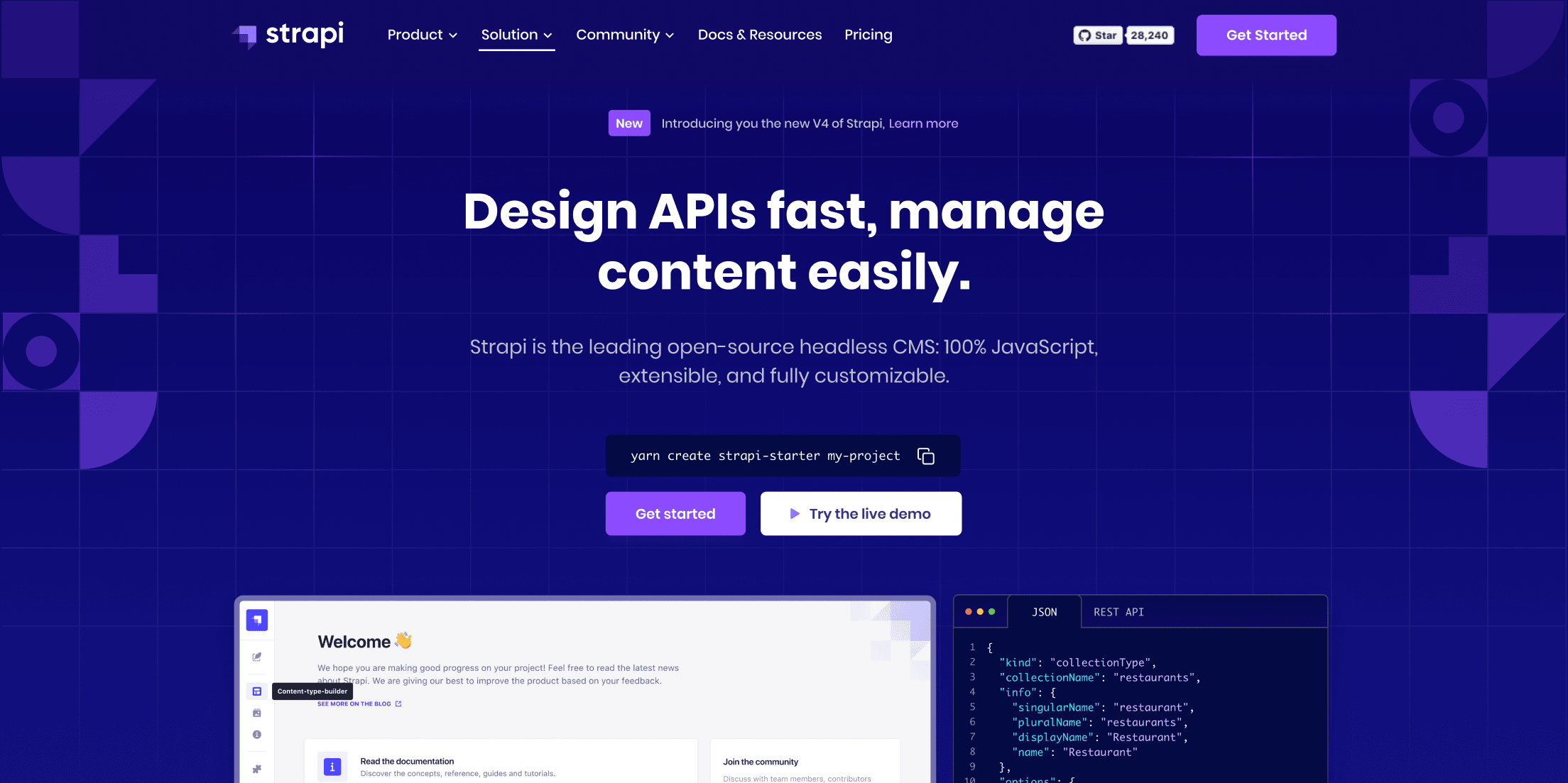 StrapiFrom $35/project/moDevelopment teams that want full code ownership and need to customize both the admin panel and the backend of their CMS.
 SanityFree, then $15/seat/moContent teams and product builders that need structured content across web, mobile, and AI agents, with a customizable editing studio.
 CockpitNot publishedAgencies, public sector bodies, and mid-market or enterprise teams that want to self-host their content and keep full control over their data.
 Payload CMSNot publishedDeveloper-led teams building on Next.js that want to own their code and still give marketers a visual editing interface.
 KeystoneNot publishedDeveloper teams building custom content apps or websites who want a schema-driven GraphQL backend in TypeScript or JavaScript.
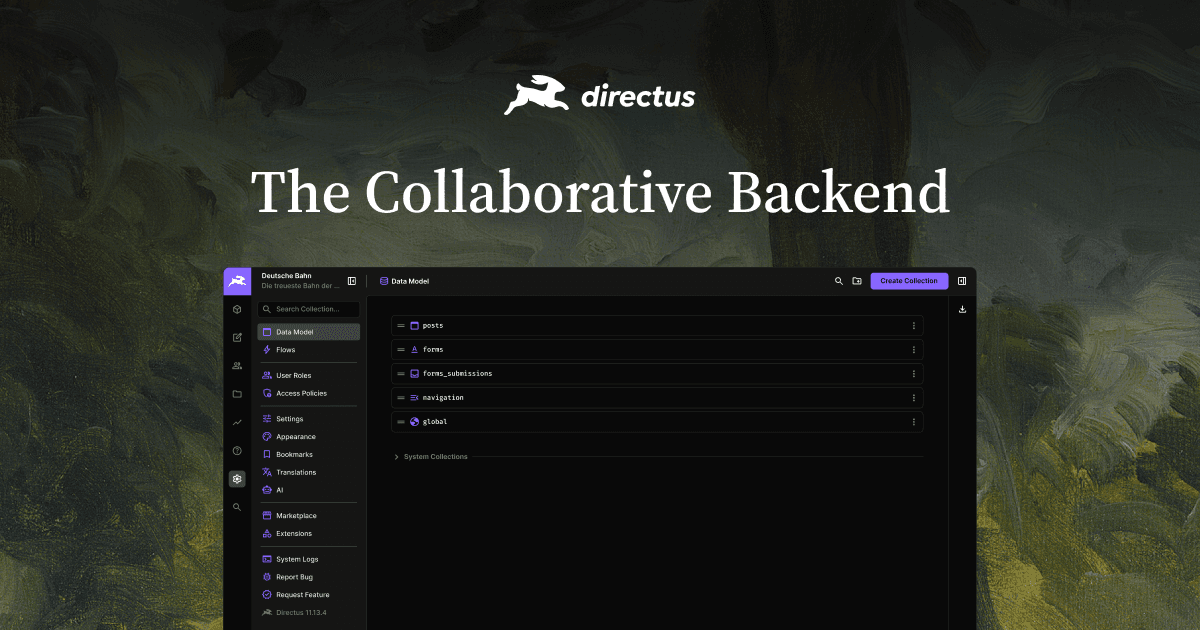 DirectusFrom $89/mo, self-hostDevelopment teams with an existing SQL database who want full control over their schema and hosting, and who need non-developers to edit content.
CosmicFree, then $99/moContent teams at companies running several brands, sites, or locales that want editors to publish without waiting on engineering.
 PrismicFree, then $10/repo/moMarketing teams that publish many landing pages or localized pages and want AI to draft them within a fixed set of brand components.
 ApostropheFree plan, $99/mo siteJavaScript teams building with Astro who want non-technical editors to edit the live page in context
About Headless CMS
A headless CMS stores content separately from the front end that displays it. It gives editors a place to write and manage content, then delivers that content to websites, mobile apps or other channels through APIs. Developers choose the front-end framework, and content teams keep a single source of truth.
The products on this list differ in approach, scale and pricing model. Some are open-source tools you can self-host and modify, such as Strapi, Cockpit and Payload CMS. Others are managed hosted services with per-seat or per-project plans, such as Sanity, Cosmic and Prismic. Directus can turn an existing SQL database into a CMS, while Keystone generates a GraphQL backend from a schema defined in code.
The 9 best Headless CMS, compared
- From $35/project/mo
1.Strapi
Best for: Development teams that want full code ownership and need to customize both the admin panel and the backend of their CMS.
- Pricing
- From $35/project/mo
- Category
- Developer Tools
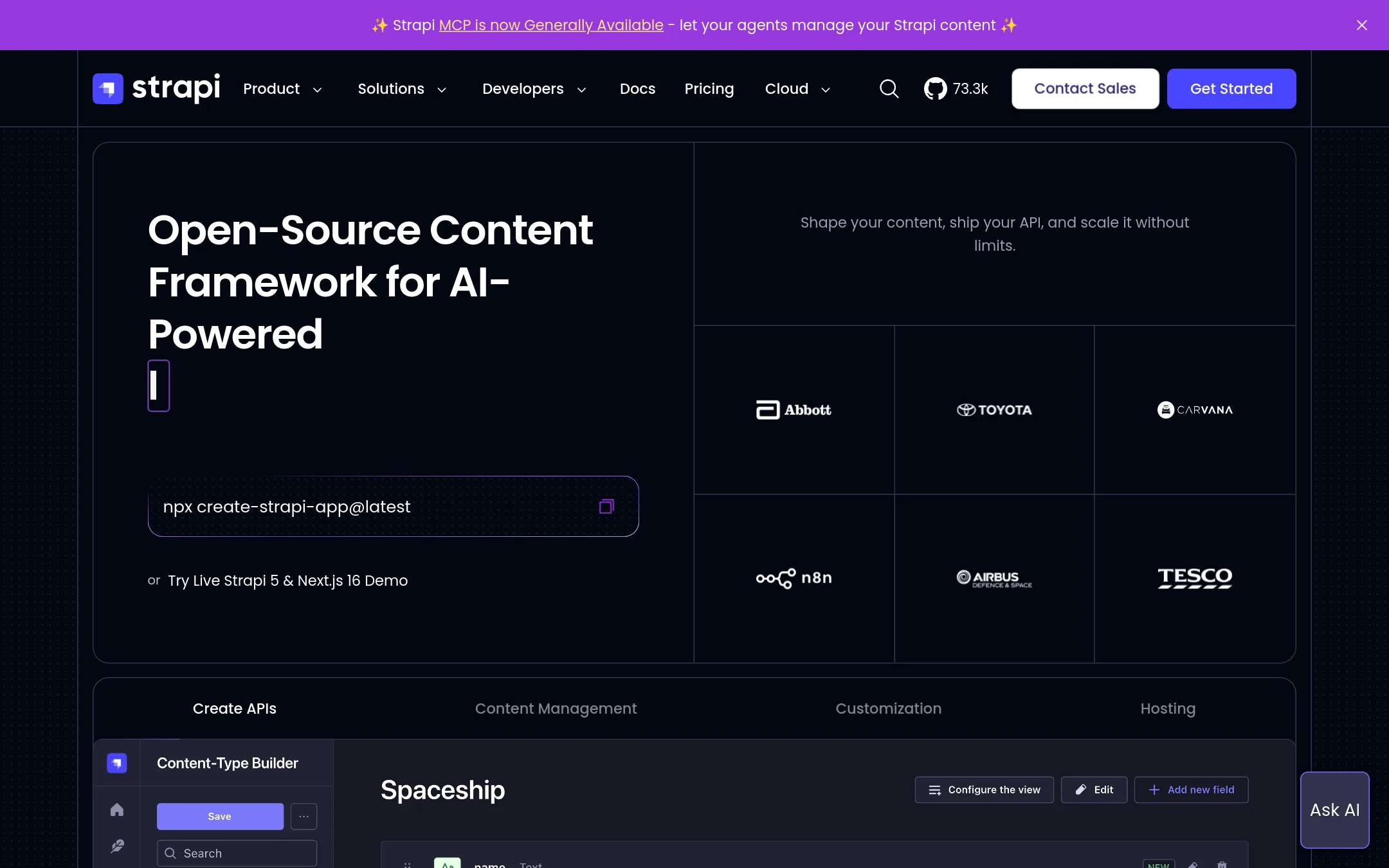
Strapi is an open-source, MIT-licensed headless CMS built on Node.js and TypeScript. It turns a content model into REST and GraphQL APIs, and developers can customize the backend and admin panel. Teams can self-host it or run it on Strapi Cloud, and it works with Next.js, Astro and Nuxt.js.
Where it is strong
- MIT-licensed, so you can self-host and own your code and data
- Content model becomes typed REST and GraphQL APIs without hand-coding endpoints
- Extend backend controllers, services and middleware, and reshape the admin panel
Where it falls short
- Self-hosting means you run the servers, and the Cloud plans add cost per environment and API volume
- Teams wanting a no-code setup with minimal developer involvement may find the customization overhead unnecessary
- Pricing:
- Strapi Cloud plans list at $35, $90 and $450 per project per month, with Starter at $35 per project per month, and the self-hosted edition is free under MIT.
- Free, then $15/seat/mo
2.Sanity
Best for: Content teams and product builders that need structured content across web, mobile, and AI agents, with a customizable editing studio.
- Pricing
- Free, then $15/seat/mo
- Category
- Developer Tools
Sanity is a headless CMS that stores content as structured JSON in a hosted Content Lake and pairs it with a Studio you configure as code. Its schemas live in your own project config rather than in database constraints, so editors and developers work from the same model. A concrete detail: the Free plan includes up to 20 user seats and an unlimited number of content types and locales.
Where it is strong
- Schemas are defined as code in your Studio configuration, so content models stay in version control.
- The Free plan includes unlimited content types and locales, plus live previews and visual editing.
- Content Releases, scheduled drafts, and real-time collaboration support coordinated publishing for larger teams.
Where it falls short
- Growth caps at 50 seats and 2 datasets, so larger organizations will move to custom Enterprise pricing and add-ons such as extra datasets at
- Usage add-ons like extra documents, API requests, and AI credits can raise the bill as traffic and automation grow, so costs need careful fo
- Pricing:
- The Free plan costs $0 with up to 20 seats, the Growth plan is $15 per seat per month with up to 50 seats, and Enterprise is custom priced.
- Not published
3.Cockpit
Best for: Agencies, public sector bodies, and mid-market or enterprise teams that want to self-host their content and keep full control over their data.
- Pricing
- Not published
- Category
- Developer Tools
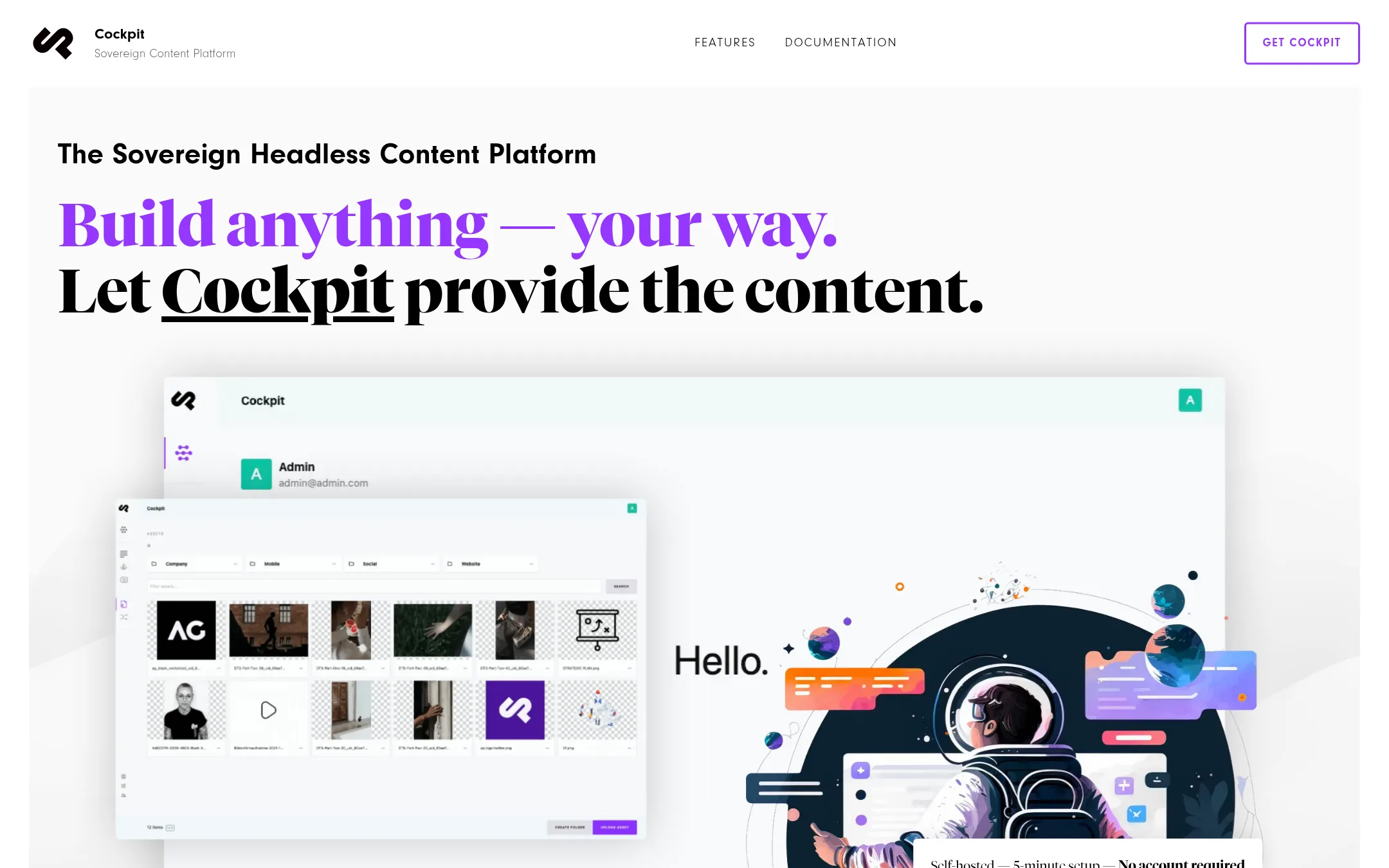
Cockpit is a self-hosted, open-source content platform built API-first, so developers can pull structured content into websites, mobile apps, or single-page applications on any tech stack. Its MIT-licensed core means you can inspect and modify the code yourself. That combination of data sovereignty and open source is what sets it apart from hosted headless CMS options.
Where it is strong
- Self-hosting keeps content data under your own control
- MIT-licensed core can be read, changed, and audited
- API-first design works with any front-end stack
Where it falls short
- You must host and maintain the installation yourself
- Pricing is not published, so budgeting takes a direct inquiry
- Pricing:
- Pricing is not published on the site.
- Not published
4.Payload CMS
Best for: Developer-led teams building on Next.js that want to own their code and still give marketers a visual editing interface.
- Pricing
- Not published
- Category
- Developer Tools
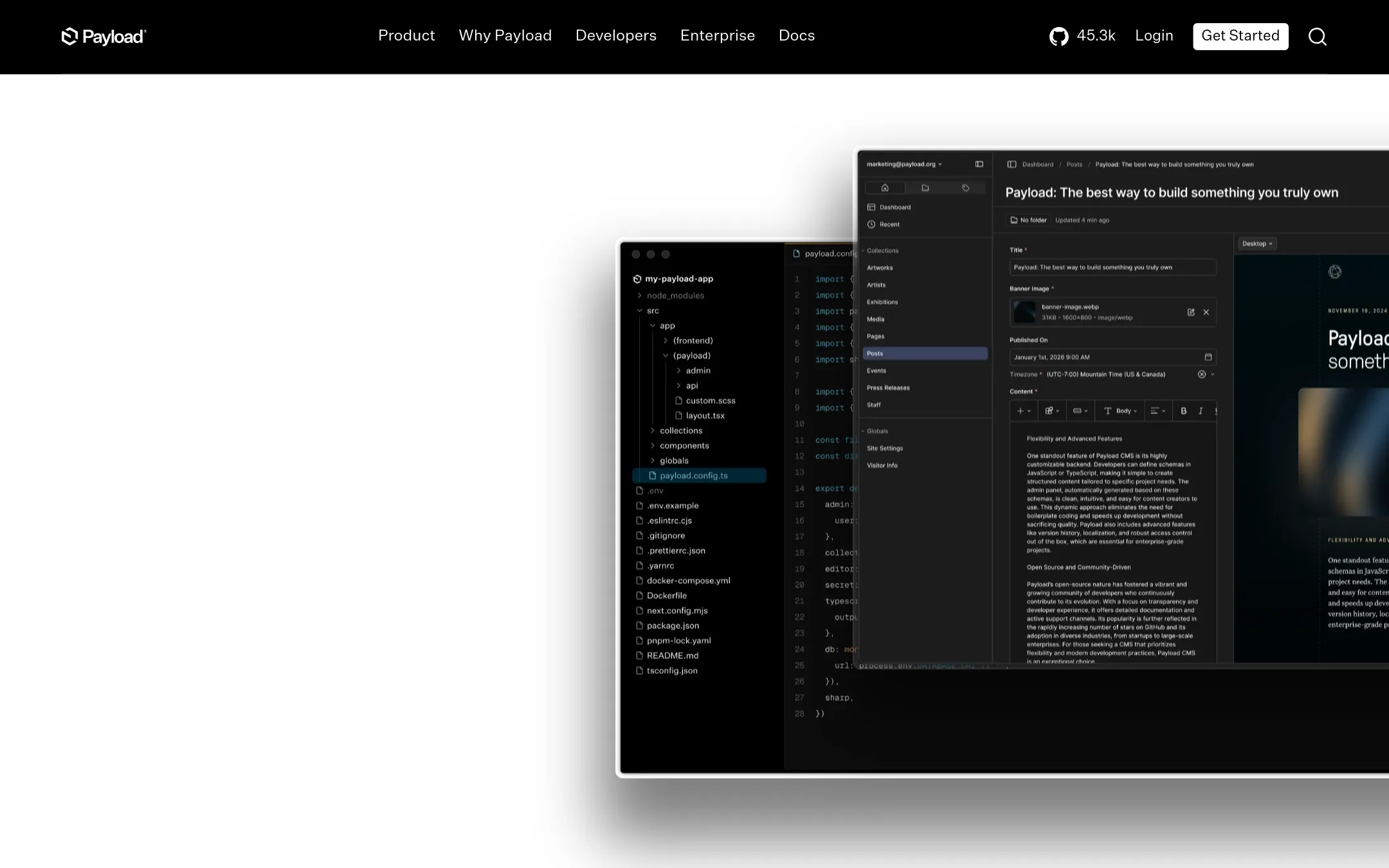
Payload is an open-source headless CMS and app framework built with TypeScript and React that runs inside a Next.js app. You define your schema in code and get a full backend plus an admin panel, so you skip building one yourself. It also automatically generates RAG-ready vector embeddings for your content with no manual work.
Where it is strong
- Schema is defined in code and runs inside your Next.js app, so there is no separate hosted backend to manage.
- Marketers get a visual editor for content, and the admin UI does not hide things behind code.
- Open source, so teams keep control of their code and data instead of being locked into a closed platform.
Where it falls short
- Its strength is developer control, so teams without Next.js or TypeScript experience will face a steeper start.
- The site does not publish pricing, so you need to contact the company to learn enterprise costs.
- Pricing:
- Pricing is not published on the site.
- Not published
5.Keystone
Best for: Developer teams building custom content apps or websites who want a schema-driven GraphQL backend in TypeScript or JavaScript.
- Pricing
- Not published
- Category
- Developer Tools
Keystone is an open source Node.js headless CMS. You describe your schema and it produces a GraphQL API and a management UI, with access control, session management and automatic database migrations through Prisma. It has over 1 million npm installs and more than 250 contributors, which makes it a credible option for developers who want to own their backend code.
Where it is strong
- Schema defined in code gives you a GraphQL API and admin UI with no boilerplate.
- Fine-grained access control and session management are included out of the box.
- Open source and deployable to Heroku, Render, DigitalOcean or your own infrastructure, fitting a git-based workflow.
Where it falls short
- Requires Node.js and developer time, so it is a poor fit for non-technical teams who want a visual-only setup.
- Pricing is not published, so the cost of any hosted or commercial tier is unclear before you talk to the vendor.
- Pricing:
- Pricing is not published on the site.
- From $89/mo, self-host
6.Directus
Best for: Development teams with an existing SQL database who want full control over their schema and hosting, and who need non-developers to edit content.
- Pricing
- From $89/mo, self-host
- Category
- Developer Tools
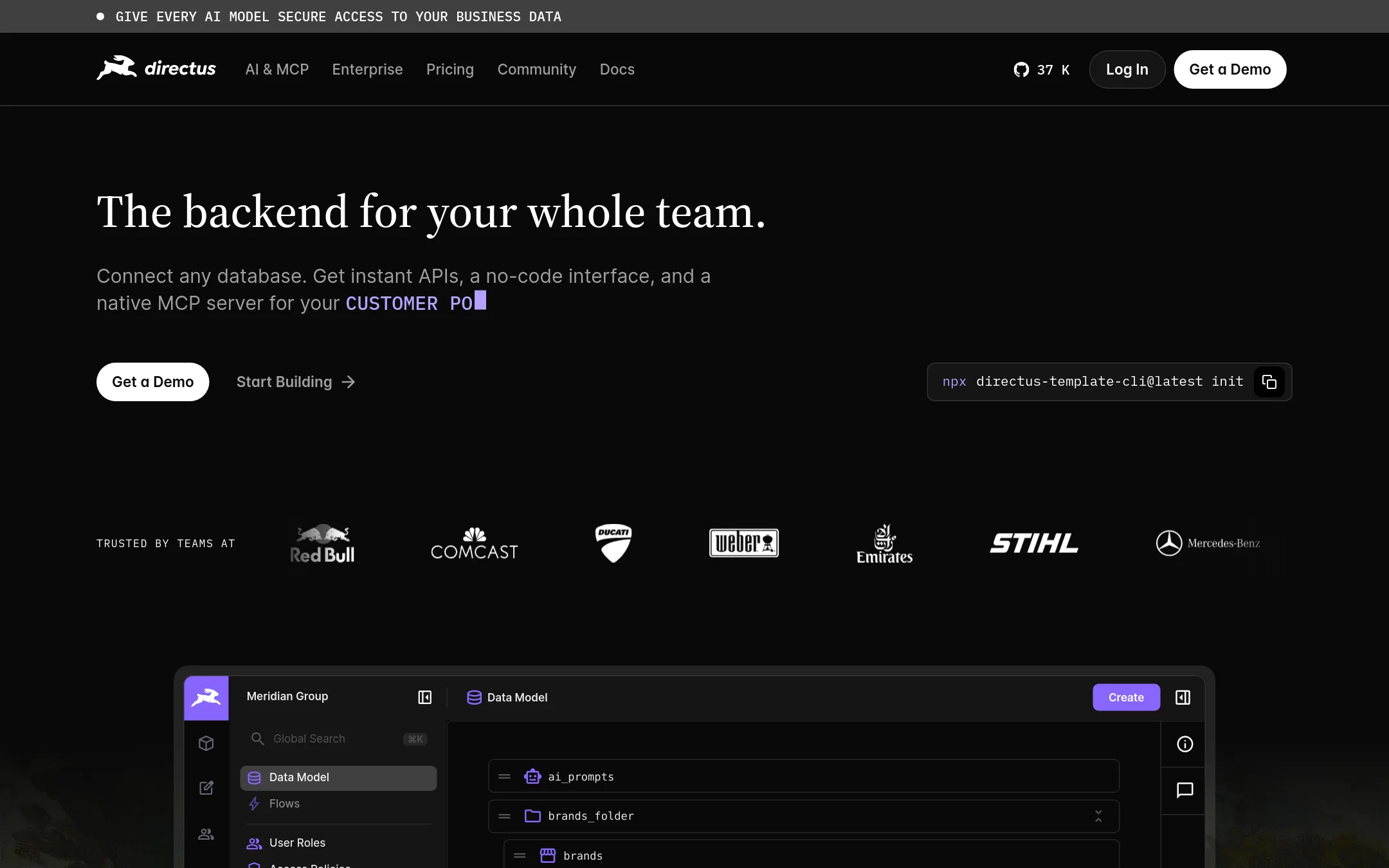
Directus turns any existing SQL database into a headless CMS and collaborative backend without changing your schema. It generates REST and GraphQL APIs automatically and includes a no-code interface so non-developers can edit content. It also offers a native MCP server so AI tools like Claude and ChatGPT can connect to your live data, and you can self-host it on your own infrastructure.
Where it is strong
- Generates REST and GraphQL APIs from an existing database while keeping your schema as built.
- Self-hosting is available on every tier, so you can run it on your own infrastructure.
- Native MCP server lets AI models like Claude and ChatGPT connect to live business data.
Where it falls short
- SSO is not available on Core and cannot be added as an add-on, so teams needing SSO must move to Team or higher.
- Core is capped at 3 seats and 25 collections, which small teams can outgrow quickly.
- Pricing:
- Core costs $89 per month billed yearly or $99 monthly and includes 3 seats and 25 collections, Team costs $588 per year billed yearly or $698 monthly with 10 SSO seats and 50 collections, and Enterprise is custom, with self-hosting available on every tier.
- Free, then $99/mo
7.Cosmic
Best for: Content teams at companies running several brands, sites, or locales that want editors to publish without waiting on engineering.

- Pricing
- Free, then $99/mo
- Category
- Developer Tools
Cosmic is a managed headless CMS built for content teams, so editors can schedule, preview, and publish without filing engineering tickets. A Workspace pools several brands and locales under one team and one bill, which suits companies running many sites. Its AI agents can draft and translate content, pull numbers from Cosmic Insights, and open pull requests in GitHub.
Where it is strong
- Editors schedule and preview drafts on the real site before publishing.
- One Workspace covers multiple brands and locales under a single bill.
- Full import and export of content, so moving data in or out is straightforward.
Where it falls short
- Enterprise-only features like SAML single sign-on and a 99.95% uptime SLA sit behind custom pricing.
- Usage above each plan's allowance for API requests, media and AI tokens is billed on top of the base price.
- Pricing:
- Free plan includes 2 team members, 1 Bucket and 1,000 Objects, paid plans run $99 to $499 per month, and Enterprise is custom.
- Free, then $10/repo/mo
8.Prismic
Best for: Marketing teams that publish many landing pages or localized pages and want AI to draft them within a fixed set of brand components.
- Pricing
- Free, then $10/repo/mo
- Category
- E-commerce
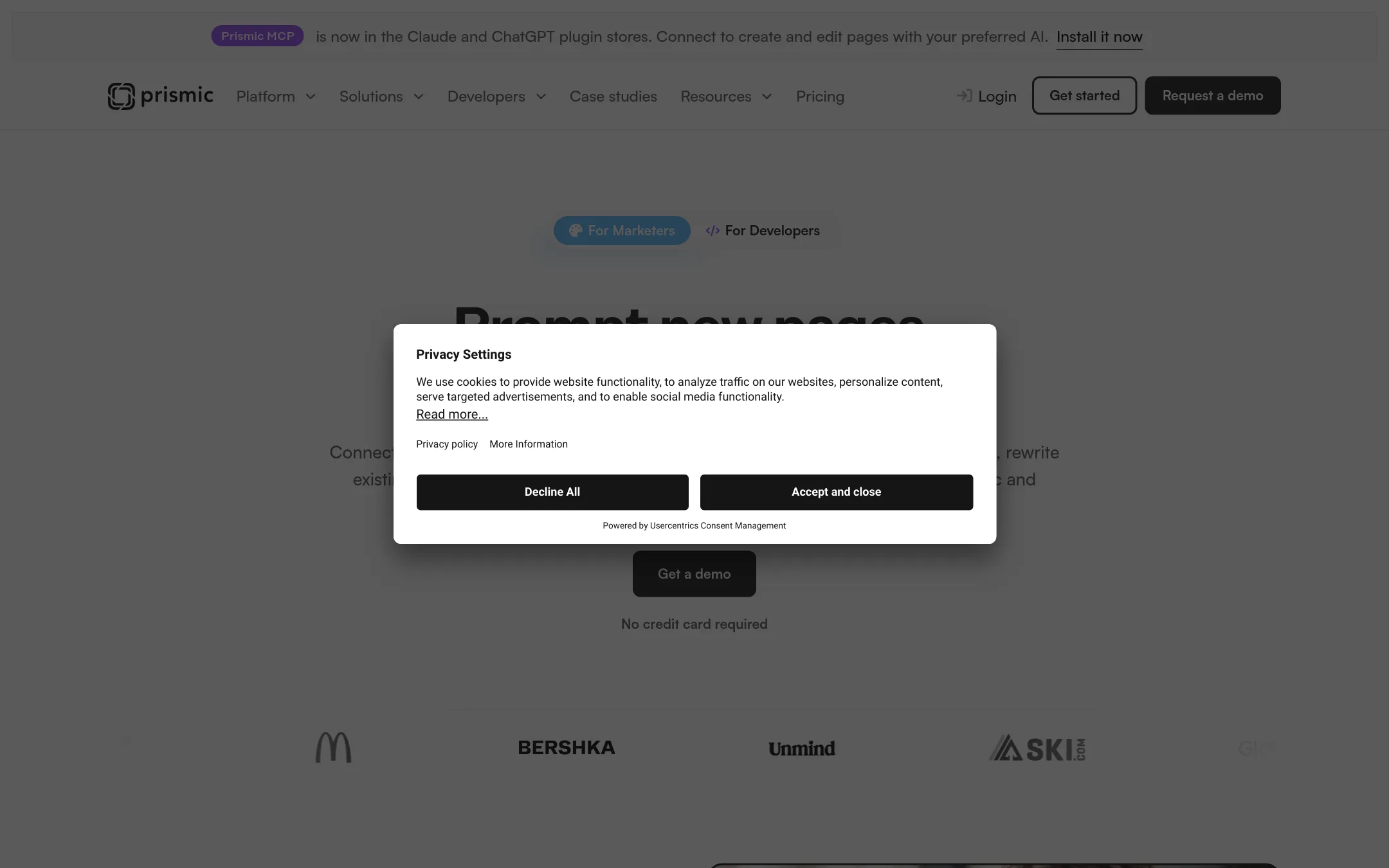
Prismic is a headless CMS where marketers can build and update pages with prompts from Claude, ChatGPT, or any MCP-enabled AI tool. Every change lands in Prismic for review before anything is published. Its reusable page sections, called slices, keep AI-generated pages on-brand, and the platform runs on a headless architecture used by more than 10,000 websites.
Where it is strong
- Connects to Claude, ChatGPT and other MCP tools, so pages can be created or rewritten with a prompt.
- Reusable slices keep AI-built pages consistent with the brand.
- Every AI change is reviewed in Prismic and can be rolled back through full revision history.
Where it falls short
- Initial technical setup is required, and teams without developers may need a partner agency.
- The jump from the $675 Platinum plan to Enterprise is large, and the AI features are listed as beta and available on request.
- Pricing:
- Prismic has a free plan, with paid plans at $10, $25, $150 and $675 per month per repository when billed annually, plus custom Enterprise pricing.
- Free plan, $99/mo site
9.Apostrophe
Best for: JavaScript teams building with Astro who want non-technical editors to edit the live page in context
- Pricing
- Free plan, $99/mo site
- Category
- Developer Tools
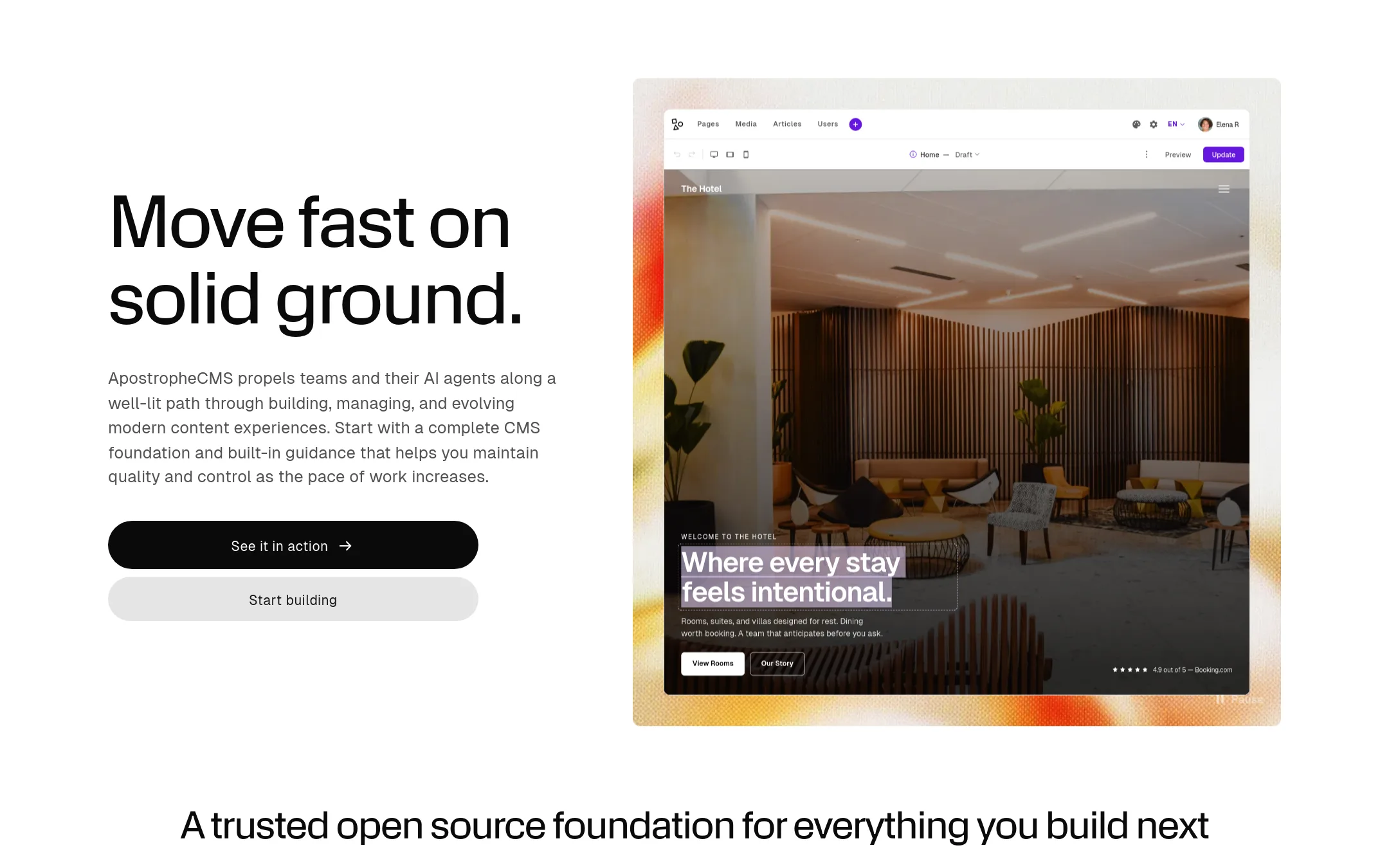
ApostropheCMS is an open source headless CMS built for JavaScript teams, with editors working directly on the live page instead of a separate dashboard. It has an official Astro integration and is used by Michelin to run websites across the globe. Localization is included in the free open source edition with no per-language fees.
Where it is strong
- Editors work on the live page with true in-context visual editing
- Open source under MIT with no usage limits or vendor lock-in
- Official Astro integration keeps developers in control of the frontend
Where it falls short
- Advanced features like Advanced Permissions and AI translations sit behind the Pro tier
- Best suited to JavaScript teams, so it is a weaker fit for teams without Node.js experience
- Pricing:
- The Community Edition is free under the MIT license, Pro and Assembly are paid tiers, and Assembly includes five client sites with additional sites at $99/mo, but exact Pro pricing is not published on the site.
How to choose Headless CMS
Start with the pricing structure, because the models vary widely. Some products charge per seat, such as Sanity's Growth plan at $15 per seat per month. Others charge per project, such as Strapi Cloud, or per repository, such as Prismic. Some publish no prices at all, so you will need to request a quote for Cockpit, Payload CMS, Keystone and Apostrophe's Pro tier. Count your seats, sites and locales before you compare numbers, and check for usage add-ons that can raise the bill as traffic grows.
Decide who will run the tool. Strapi, Payload CMS, Keystone and Apostrophe are built for developer-led teams and assume Node.js or TypeScript experience. Cosmic and Prismic are designed so editors can publish without filing engineering tickets, though Prismic may still need a developer for initial setup. Directus offers a no-code interface for non-developers while still giving developers full control of their schema.
Check integrations and AI features against your stack. Strapi works with Next.js, Astro and Nuxt.js. Payload CMS runs inside a Next.js app. Apostrophe has an official Astro integration. Directus and Prismic both connect to AI tools through MCP servers, and Cosmic's AI agents can draft and translate content. Confirm these fit your existing tools rather than assuming they will.
Consider data control and compliance. Open-source, self-hosted options such as Cockpit, Strapi, Directus and Payload CMS keep content on infrastructure you manage. Hosted services store content with the vendor. If you must own your data or meet specific hosting requirements, self-hosting is the deciding factor. Also note that some security features, such as SAML single sign-on and uptime guarantees, appear only on enterprise tiers.
Review support and contract terms before you commit. Enterprise pricing is custom on several products, and features like SSO, advanced permissions and uptime SLAs often sit behind those tiers. Ask what support is included at your plan level and what happens to your content if you cancel. Start on a free or low tier to test the editing experience with your real team before you scale up.
FAQ
Questions about Headless CMS
What is a headless CMS?
A headless CMS manages content and delivers it through APIs, without tying it to a specific front end. Developers can display the same content on websites, mobile apps or other channels. Editors work in a separate interface to create and publish content.
What is the difference between open source and hosted headless CMS options?
Open-source options such as Strapi, Cockpit, Directus and Payload CMS can be self-hosted, so you control the infrastructure and data. Hosted options such as Sanity, Cosmic and Prismic run on the vendor's servers under a subscription. Self-hosting gives more control but means you maintain the installation yourself.
Do editors need to know how to code to use a headless CMS?
It depends on the product. Cosmic and Directus are built so editors can publish without developer help, and Apostrophe lets editors work on the live page. Strapi, Payload CMS and Keystone are aimed at developers, and Prismic usually needs a developer for initial setup.
How are headless CMS products usually priced?
Pricing models vary. Sanity charges per seat, Strapi Cloud charges per project, Prismic charges per repository, and Directus uses tiers based on seats and collections. Several products, including Cockpit, Payload CMS and Keystone, do not publish prices, so you need to contact the vendor for a quote.
Can a headless CMS work with AI tools?
Some can. Directus includes a native MCP server that lets Claude and ChatGPT connect to live data, and Prismic lets marketers create or rewrite pages with prompts from those tools. Cosmic's AI agents can draft and translate content and open pull requests in GitHub.
Last updated November 6, 2026.