11 Best AI Infrastructure Platforms in 2026
Updated November 8, 2026
The short answer
The three strongest AI infrastructure platforms on this list are RunPod, Modal and Cerebrium. RunPod suits startups and ML teams running bursty training or inference who want to avoid paying for idle GPUs. Modal suits AI teams with spiky inference traffic that want per-second billing and no cluster management. Cerebrium suits teams shipping real-time features like voice agents without running Kubernetes.
The shortlist, at a glance
Read the comparisons ↓ RunPodNot publishedStartups and ML teams that run model training or inference on bursty traffic and want to avoid paying for idle GPUs.
 Modal$0 + compute / moAI teams with spiky or unpredictable inference traffic that want to avoid paying for idle GPUs and managing clusters.
 NVIDIA Base Command PlatformNot publishedEnterprises and research teams building their own AI factories who need dedicated GPU infrastructure for model training and high-performance computing.
 CerebriumFree + compute/moTeams shipping real-time AI features such as voice agents or model inference that have bursty traffic and do not want to run Kubernetes.
 BeamFrom $20/mo + usageTeams building AI agents or ML apps that need GPU access and want to avoid managing their own servers or Kubernetes clusters.
 EntanglCustom quoteData center engineering and operations teams preparing a new facility for go-live or running commissioning and maintenance across several sites.
 MetisNot publishedEnterprise teams with agents already running real tools and workflows that struggle to stay reliable in production.
 KernelFree, $30 to $200/moTeams building AI agents or web automations that need reliable browser sessions across many sites.
 ModelenceFree plan, from $20/moSolo founders and small startup teams shipping TypeScript apps who want production operations handled without hiring a DevOps engineer.
 SF TensorNot publishedAI labs and companies training proprietary models that need frontier-scale compute without building their own infrastructure team.
 ChamberCustom quoteML teams running their own GPU fleets who want researchers to stop handling cluster operations.
About AI Infrastructure Platforms
AI infrastructure platforms give teams the compute, GPUs and runtime needed to train, fine-tune and serve AI models. They handle the hardware, scaling and deployment so that a team can focus on its models and application code. Some products on this list are general GPU clouds, some are serverless runtimes, and others target specific jobs such as browser automation or data center operations.
The products differ mainly in approach, scale and pricing model. Serverless platforms like Modal and Cerebrium bill by the second and scale to zero, while RunPod offers dedicated Pods alongside serverless endpoints. Enterprise and lab-focused tools such as NVIDIA Base Command Platform and SF Tensor do not publish prices and are built for large fleets.
The 11 best AI Infrastructure Platforms, compared
- Not published
1.RunPod
Best for: Startups and ML teams that run model training or inference on bursty traffic and want to avoid paying for idle GPUs.
- Pricing
- Not published
- Category
- AI & Machine Learning
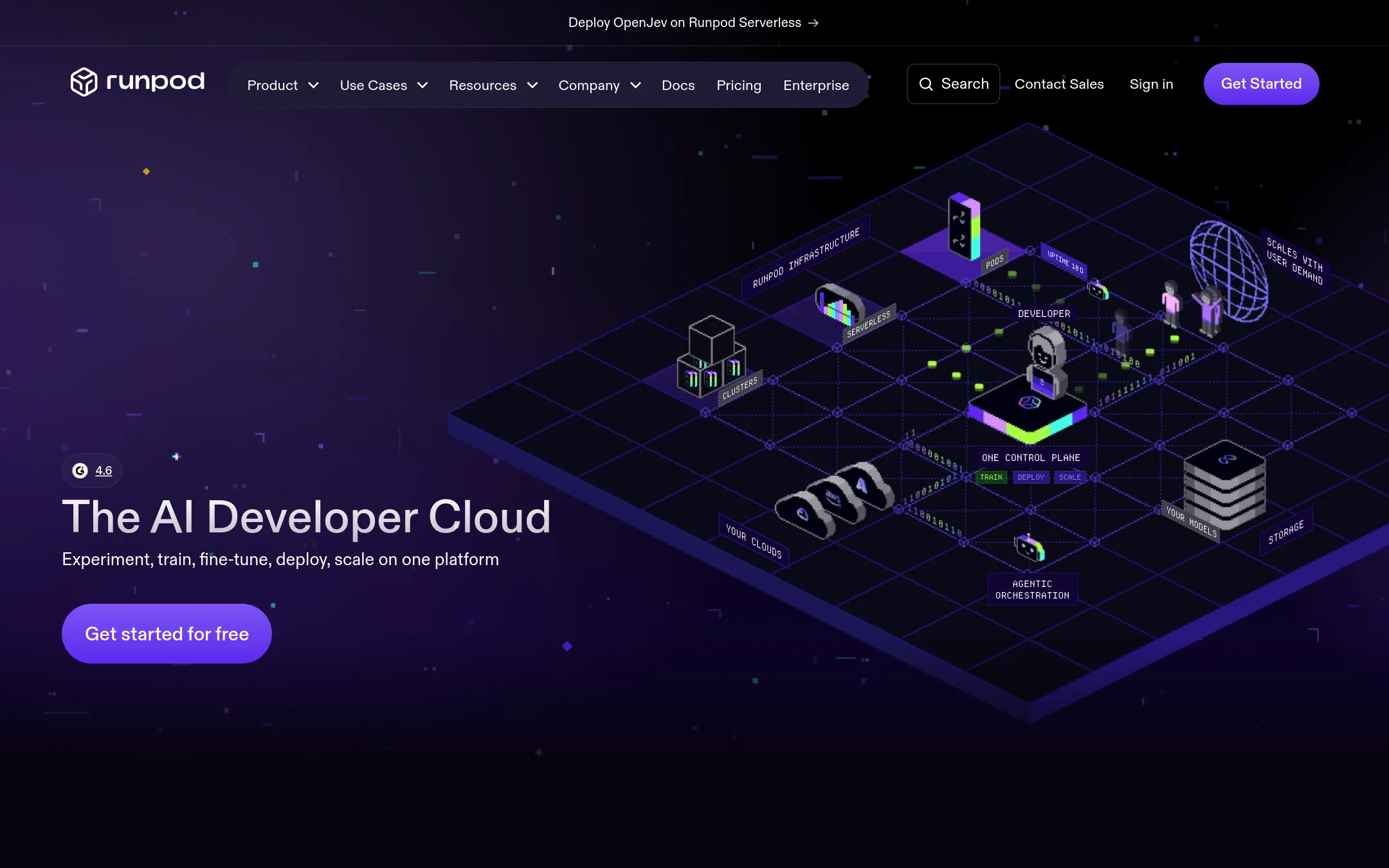
RunPod gives teams three ways to run GPU work: Pods for dedicated instances, Serverless for autoscaling inference endpoints, and Clusters for multi-GPU jobs, all in one account. Its Serverless tier scales to zero when idle and advertises sub-200ms cold starts, which addresses the usual trade-off between idle cost and warm-up latency. The catalog covers over 30 GPU models across 31 regions, so teams can match hardware to each job.
Where it is strong
- Serverless endpoints scale to zero, so idle endpoints cost nothing
- Over 30 GPU SKUs across 31 regions, from RTX 4090s to B200s
- Pods, Serverless and Clusters share one account, so no migration is needed between stages
Where it falls short
- Pricing varies by workload type and the site does not publish concrete rates, so comparing costs requires a quote or a test run
- Reserved capacity and contract terms go through enterprise sales, which may not suit small teams wanting self-serve commitments
- Pricing:
- Pricing is not published on the site.
- $0 + compute / mo
2.Modal
Best for: AI teams with spiky or unpredictable inference traffic that want to avoid paying for idle GPUs and managing clusters.
- Pricing
- $0 + compute / mo
- Category
- AI & Machine Learning
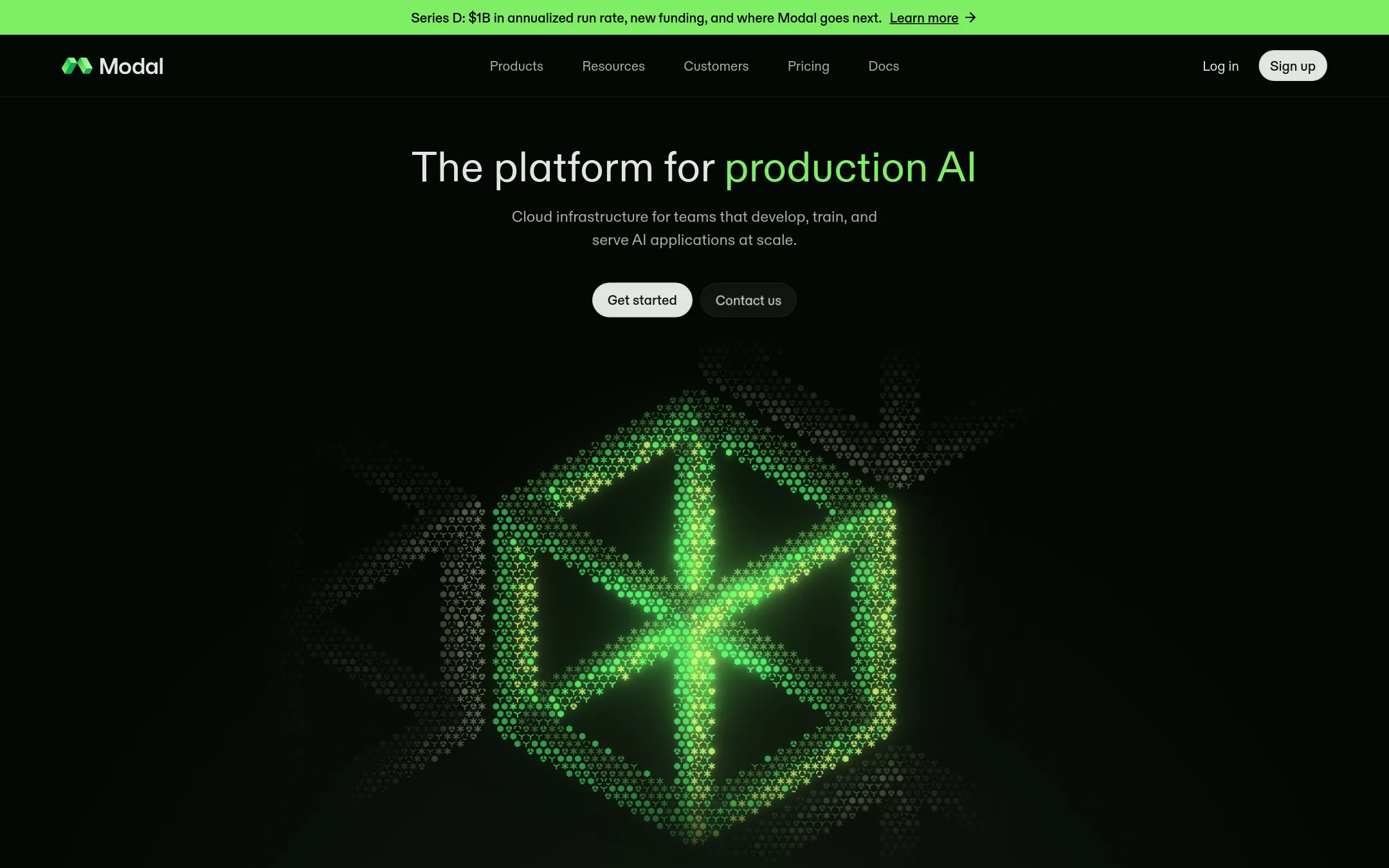
Modal is a serverless platform where you run your own Python code on CPUs and GPUs, with inference, training, batch jobs and sandboxes all on one system. It autoscales from zero to thousands of GPUs and bills by the second, so bursty AI workloads don't sit idle on reserved hardware. Its capacity spans 20+ clouds, and it lists SOC 2 Type II compliance and HIPAA readiness.
Where it is strong
- Pay per second of actual compute, with GPUs billed only while code runs
- Autoscales from zero to thousands of GPUs without quota requests or reservations
- Python-native SDK lets you define hardware and logic in code, with sandboxes that start in under a second
Where it falls short
- Starter caps you at 100 containers and 10 GPU concurrency, and log retention is only one day
- Sandboxes are billed at 3x list price when non-preemptible, so costs can climb for heavy agent workloads
- Pricing:
- Starter is $0 plus compute with $30/month in free credits and 3 seats, Team is $250 plus compute with $100/month in credits and unlimited seats, and Enterprise uses custom compute pricing, with GPUs billed per second (for example, H100 SXM5 at $0.001097/sec).
- Not published
3.NVIDIA Base Command Platform
Best for: Enterprises and research teams building their own AI factories who need dedicated GPU infrastructure for model training and high-performance computing.
- Pricing
- Not published
- Category
- AI & Machine Learning
NVIDIA Base Command Platform sits in NVIDIA's AI computing stack for enterprise AI factories, covering model development and deployment. It runs on DGX and HGX systems, uses InfiniBand and DPU networking, and draws on NGC for containerized AI models and SDKs. The lineup includes Grace Blackwell architecture for data center workloads.
Where it is strong
- Built around NVIDIA's own DGX and HGX hardware, with InfiniBand and DPU networking included in the design
- NGC provides containerized AI models and SDKs, so teams can start from prebuilt components
- Supports Grace Blackwell architecture for both AI and HPC workloads
Where it falls short
- Pricing is not published, so budgeting needs a direct sales conversation
- Designed for large AI factory deployments, which makes it a poor fit for small teams or simple cloud inference
- Pricing:
- Pricing is not published on the site.
- Free + compute/mo
4.Cerebrium
Best for: Teams shipping real-time AI features such as voice agents or model inference that have bursty traffic and do not want to run Kubernetes.
- Pricing
- Free + compute/mo
- Category
- AI & Machine Learning
Cerebrium runs serverless GPU workloads for voice agents, video models, and LLMs, and scales containers up and down in seconds without Kubernetes. Its memory and GPU snapshotting cuts cold starts to a few seconds, with the site citing 2 to 4 second starts. You can run your existing code or Dockerfile without rewrites or a custom SDK.
Where it is strong
- Cold starts of 2 to 4 seconds using memory and GPU snapshots
- Bring your own code or Dockerfile with no SDK rewrite
- Per-second billing across 12+ GPU types and multiple regions
Where it falls short
- The site gives no clear GPU-hour equivalent, so cost comparison with reserved instances takes some calculation
- Free tier caps at 5 concurrent GPUs and 3 deployed apps, and log retention is one day, so serious production use means the $100 plan or Ente
- Pricing:
- Compute is billed per second, for example B200 at $0.00167/s and L4 at $0.000222/s, on a Hobby plan that is free plus compute and a Standard plan at $100 plus compute per month.
- From $20/mo + usage
5.Beam
Best for: Teams building AI agents or ML apps that need GPU access and want to avoid managing their own servers or Kubernetes clusters.
- Pricing
- From $20/mo + usage
- Category
- AI & Machine Learning
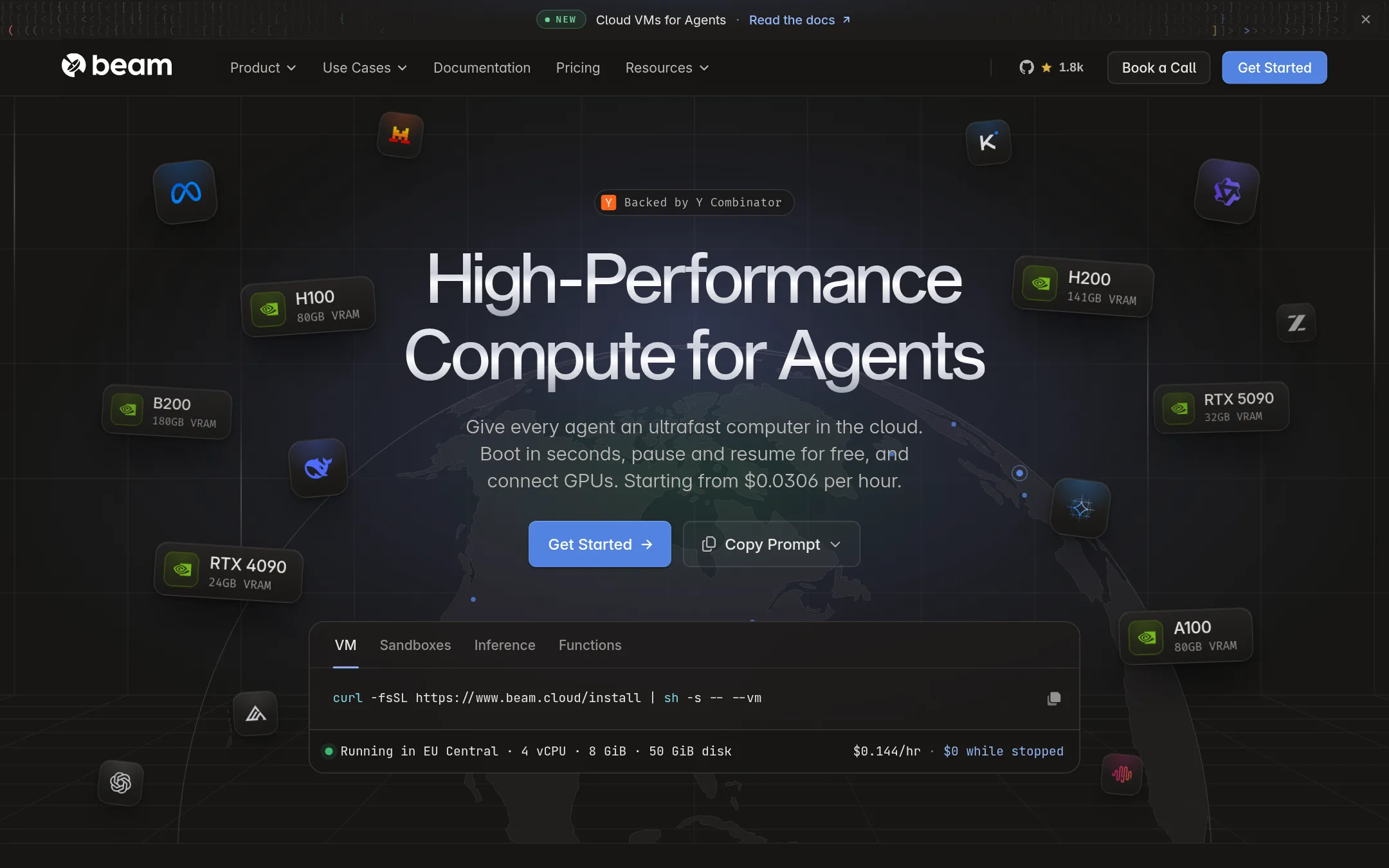
Beam runs persistent microVMs for agents and developers. Its VMs boot in seconds, pause and resume with RAM intact, and scale to zero when idle, so you do not pay for stopped compute. It also offers on-demand GPUs with over 30 types, and a bring-your-own-cloud option that runs workloads in your own AWS or GCP account.
Where it is strong
- VMs pause and resume with memory intact, and idle VMs wake when their URL is hit.
- Over 30 GPU types are available on demand, and no egress or bandwidth fees apply on any plan.
- Bring-your-own-cloud lets you use existing AWS or GCP credits, with Beam charging a per-vCPU and per-GB management fee.
Where it falls short
- Storage beyond 1TB costs $0.021 per GB per month, and the Developer plan has only 5 GPU containers of concurrency.
- Advanced features like SOC2, HIPAA and longer log retention sit on the Team or Growth tiers, so small budgets may find the upgrade path stee
- Pricing:
- Pricing starts at $0.0306 per hour, the Developer plan is $20 per month with $20 in monthly credits, and the Team plan is $89 per month plus usage, while Growth is by quote.
- Custom quote
6.Entangl
Best for: Data center engineering and operations teams preparing a new facility for go-live or running commissioning and maintenance across several sites.
- Pricing
- Custom quote
- Category
- AI & Machine Learning
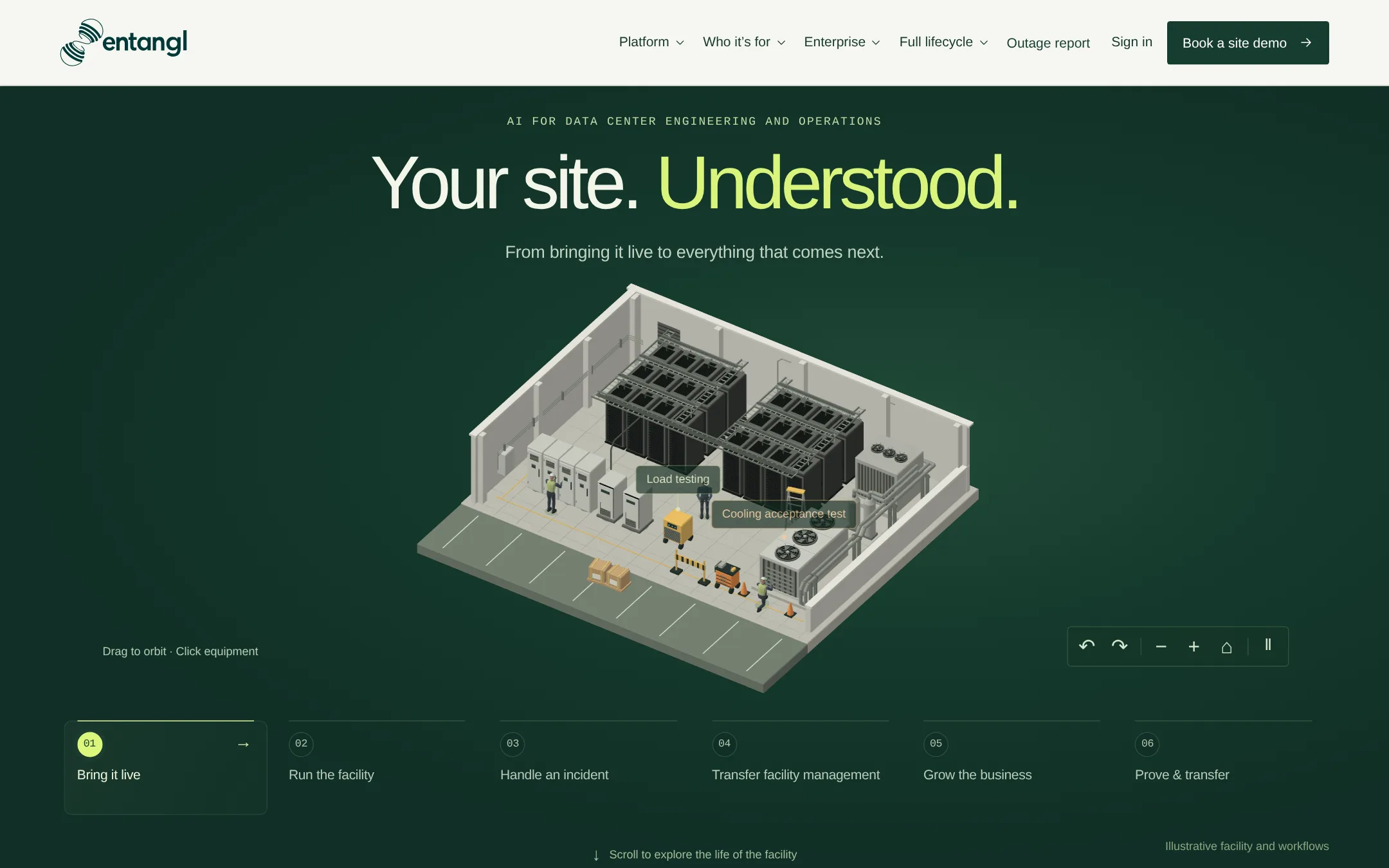
Entangl uses AI to write and review data center procedures against a facility's own drawings, equipment records and operating rules. It also helps close document gaps before go-live and builds preventive maintenance schedules from asset requirements. A concrete detail is its guided iPad fieldwork, which captures evidence as each procedure step is completed. It is a credible pick for facilities teams, though its scope is narrower than general AI infrastructure platforms.
Where it is strong
- Checks procedures against your own drawings, equipment records and operating rules
- Captures field evidence on iPad as each step is completed
- Builds preventive maintenance schedules from equipment records and manufacturer requirements
Where it falls short
- Focused on data center facilities, so it does not suit general AI infrastructure needs
- Pricing requires a sales proposal, with no public price list to compare against
- Pricing:
- Pricing is not published on the site. A written proposal sets out subscription charges, limits, setup and training costs based on the sites and workflows in scope.
- Not published
7.Metis
Best for: Enterprise teams with agents already running real tools and workflows that struggle to stay reliable in production.
- Pricing
- Not published
- Category
- AI & Machine Learning
Metis is a post-training and continual-learning layer for enterprise agents. Its product Insight turns a company's first-party data, tools, and environments into a stack that generates training signals and runs offline and online reinforcement learning, so agents improve through use. Before production, agents are checked against real tasks to confirm they pick the right tool, keep context, and finish long multi-step workflows.
Where it is strong
- Trains agents on your own data, tools, and environments
- Evaluates agents on real tasks before they reach production
- Runs offline and online reinforcement learning to improve over time
Where it falls short
- Access is through a private beta, so you need to request it and wait
- Pricing and the full list of integrations are not published on the site
- Pricing:
- Pricing is not published on the site.
- Free, $30 to $200/mo
8.Kernel
Best for: Teams building AI agents or web automations that need reliable browser sessions across many sites.
- Pricing
- Free, $30 to $200/mo
- Category
- AI & Machine Learning
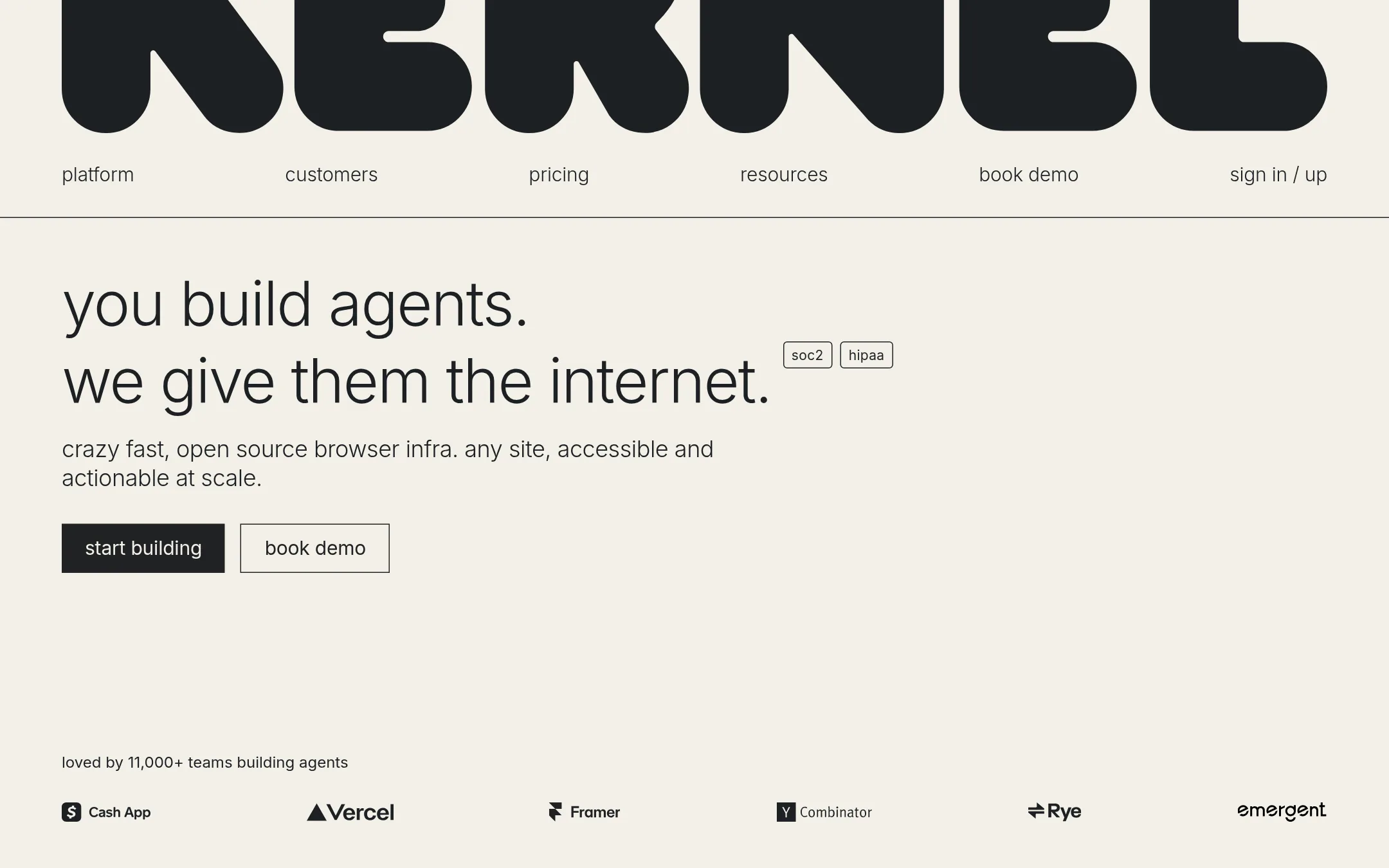
Kernel is open source browser infrastructure that lets AI agents load and act on any website at scale. It boots browsers in under a second and handles anti-bot detection with a built-in captcha solver and proxy in stealth mode. Over 11,000 teams build agents on it, and the site names customers such as Stably, Felicity, and Rye.
Where it is strong
- Browsers boot in under a second, and the site cites per-action speed inside a running session.
- Stealth mode bundles a captcha solver and residential proxy on every tier, including free.
- Reusable sessions, session replays, and managed auth connections are available without extra add-ons.
Where it falls short
- Usage-based billing on top of the monthly plan makes total cost harder to forecast at high volume.
- Features like GPU acceleration, regional browsers, and custom proxies only appear from the Start-up plan up.
- Pricing:
- The free plan includes $5 of monthly usage credits and 5 concurrent browsers, the Hobbyist plan is $30 per month with $10 in credits and 10 concurrent browsers, and the Start-up plan is $200 per month with $50 in credits and 150 concurrent browsers, with usage
- Free plan, from $20/mo
9.Modelence
Best for: Solo founders and small startup teams shipping TypeScript apps who want production operations handled without hiring a DevOps engineer.
- Pricing
- Free plan, from $20/mo
- Category
- AI & Machine Learning
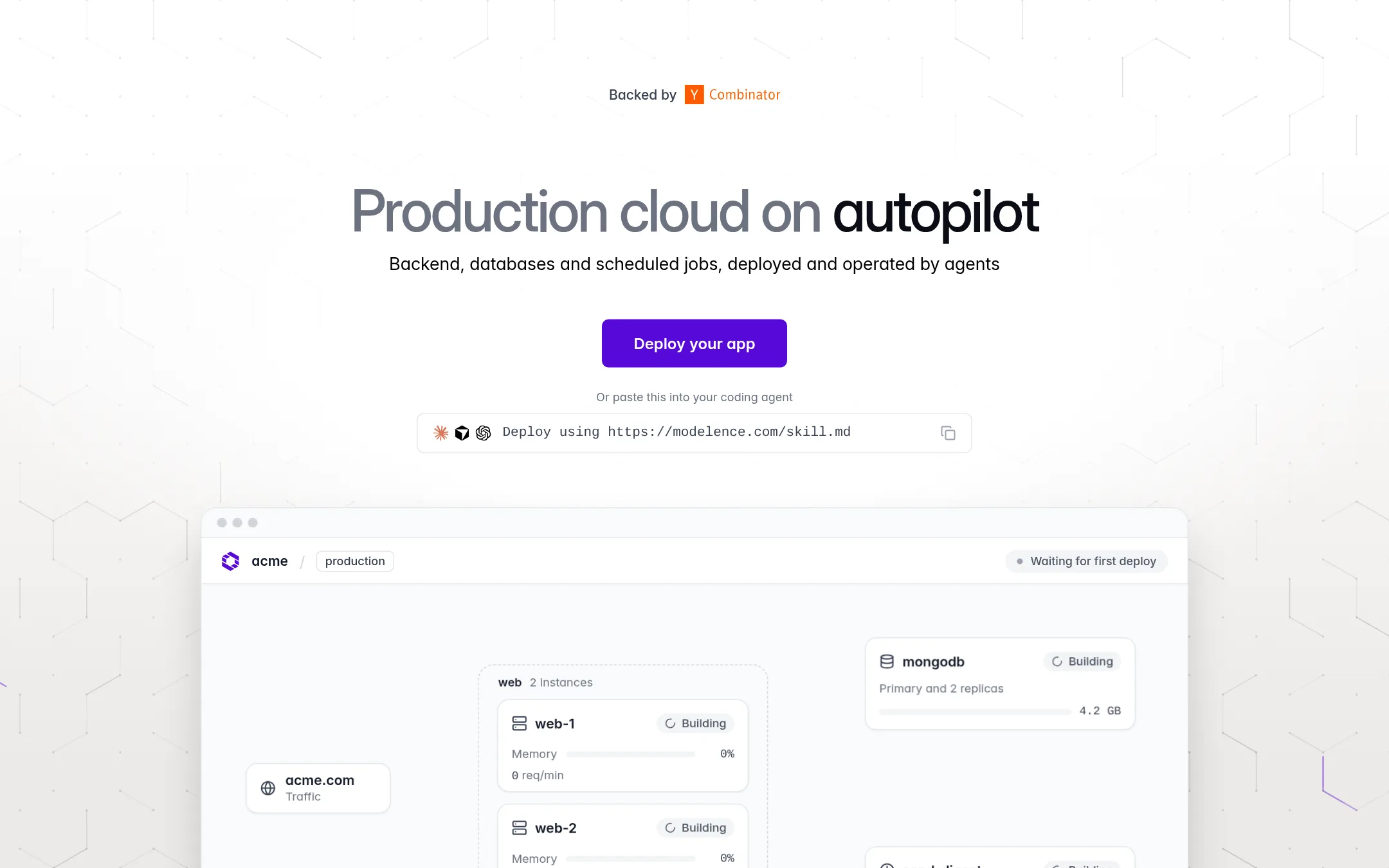
Modelence is a TypeScript cloud that runs your backend, databases and scheduled jobs on AWS and watches them around the clock. On Pro and above, its autopilot restarts crashed processes, reroutes traffic and adds capacity under load, then sends a report. It also traces memory leaks and slow queries back to the line of code where they start.
Where it is strong
- Managed databases with automatic backups and encryption set up on the first deploy
- Autopilot restarts crashed processes and reroutes traffic without waiting for you
- Runs on standard AWS services, so you can move the setup into your own account later
Where it falls short
- Autopilot and 4-hour emergency support start at the Pro plan, not the free or Starter tiers
- Usage is billed on top of the monthly plan price, so costs can climb as traffic grows and are harder to predict than a flat fee
- Pricing:
- Plans start free, with Starter at $20 of included cloud usage, Pro at $100, Scale at $500 and Enterprise from $12,000 per year, and usage above the included amount billed pay as you go.
- Not published
10.SF Tensor
Best for: AI labs and companies training proprietary models that need frontier-scale compute without building their own infrastructure team.
- Pricing
- Not published
- Category
- AI & Machine Learning
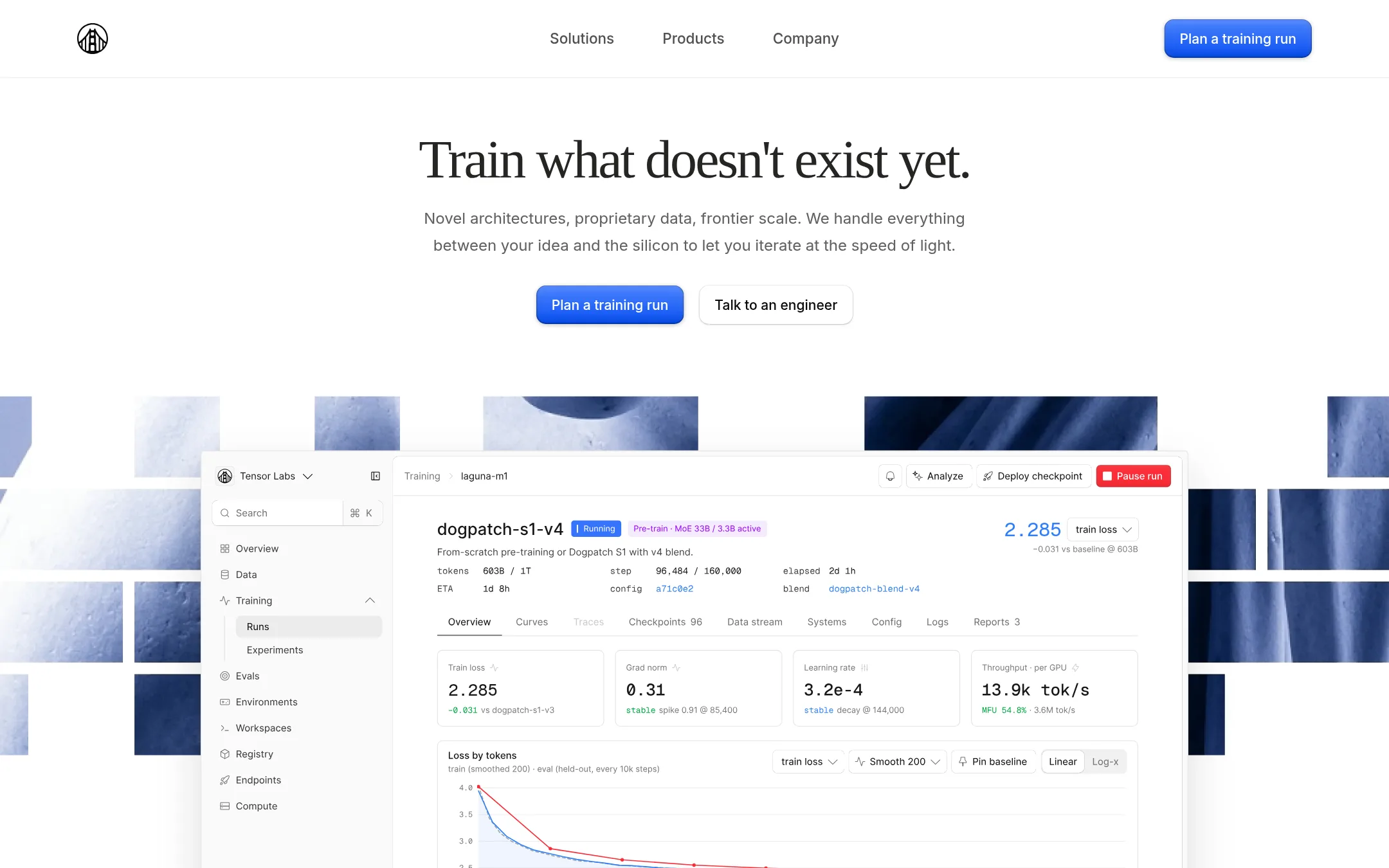
SF Tensor is a training stack for AI labs covering pre-training, post-training and reinforcement learning. It runs the same code across NVIDIA, AMD, TPU and Trainium hardware, scaling from 1 to 10,000 GPUs, and it searches for faster kernels as a model changes. The team can also embed post-training researchers and deliver a production model in about six weeks.
Where it is strong
- Supports NVIDIA, AMD, TPU and Trainium, so you can compare hardware without rewriting code.
- Automatic failure recovery keeps long training runs going without manual intervention.
- Embedded researchers can take a model from data to production in about six weeks.
Where it falls short
- Savings-share and outcome-based pricing makes budgeting harder to predict up front than a fixed rate card.
- Built for labs and serious model builders, so small teams fine-tuning off-the-shelf models will likely find it overkill.
- Pricing:
- Pricing is not published on the site.
- Custom quote
11.Chamber
Best for: ML teams running their own GPU fleets who want researchers to stop handling cluster operations.
- Pricing
- Custom quote
- Category
- AI & Machine Learning
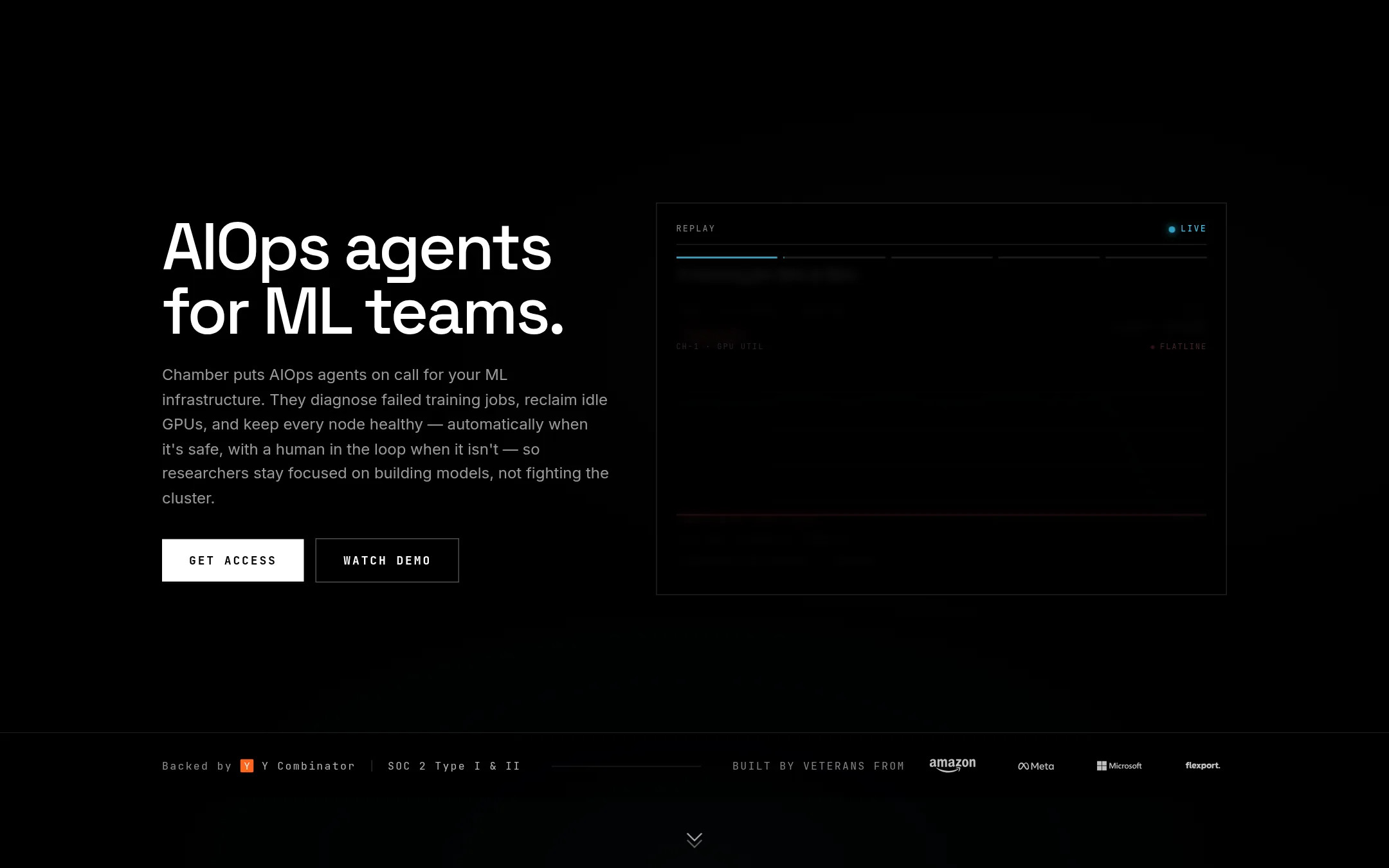
Chamber deploys AIOps agents into your own ML cluster to diagnose failed training jobs, reclaim idle GPUs, and keep nodes healthy. Its agents work from a live model of your workloads and a pattern bank of failure modes like OOMs and NCCL timeouts, so each resolved incident becomes a known fix. Chamber is YC W26 and the site says the team comes from veteran infrastructure backgrounds.
Where it is strong
- Applies typed fixes like requeue, reconfig, and rerun from checkpoint, with blast-radius limits and rollback.
- Packs work into GPU idle phases during CPU-heavy stretches to use hardware you already own.
- Deploys into your cluster via Helm, and the site states that models, datasets, and code stay in your environment and that SOC 2 Type I and I
Where it falls short
- Pricing is custom and not published, so you need a sales conversation before knowing the cost.
- Its value depends on running GPU fleets at scale. Small teams with a few nodes are less likely to need it.
- Pricing:
- Pricing is not published on the site, and plans are tailored to fleet size and setup after a conversation with the founders.
How to choose AI Infrastructure Platforms
Start with pricing structure. Per-second serverless billing suits bursty workloads, while dedicated instances or custom contracts suit steady, heavy use. Several products on this list do not publish rates, so request a quote or run a test before committing budget.
Consider who the product is built for. Modal and Beam are aimed at developers shipping Python or agent code, while NVIDIA Base Command Platform and SF Tensor target enterprises and AI labs. A tool built for large fleets can be more than a small team needs.
Check integrations and how the platform fits your existing stack. Beam offers bring-your-own-cloud so you can use existing AWS or GCP credits, and Modelence runs on standard AWS services that can later move into your own account. Cerebrium lets you run existing code or a Dockerfile without rewrites.
Review data handling and compliance. Modal lists SOC 2 Type II and HIPAA readiness, and Chamber states that models and data stay in your environment with SOC 2 Type I. Confirm which certifications apply to your use case and which tiers include them, since some features sit on higher plans.
Finally, look at support and contract terms. Several plans gate features like emergency support, longer log retention and advanced security behind paid tiers, so compare what the plan you need actually includes. Where pricing is custom, get the terms in writing before signing.
FAQ
Questions about AI Infrastructure Platforms
What is an AI infrastructure platform?
An AI infrastructure platform provides the GPUs, compute and runtime needed to train, fine-tune and serve AI models. It handles hardware and scaling so teams can focus on their models and applications. Some products on this list are general GPU clouds while others are serverless runtimes or specialized tools.
How do serverless AI platforms bill for usage?
Several platforms on this list bill by the second of actual compute. Modal bills GPUs per second while code runs, and Cerebrium bills per second across its GPU types. This model avoids paying for idle hardware but can make total cost harder to forecast at high volume.
Which platform is best for AI agents or browser automation?
Beam runs persistent microVMs for agents that pause and resume with memory intact, and Kernel provides browser infrastructure that boots in under a second for agents acting on websites. Kernel includes stealth mode with a captcha solver and proxy on every tier. Both are built for teams building agent workflows.
Do I need to pay for enterprise features to get compliance coverage?
It depends on the product and the certification. Modal lists SOC 2 Type II and HIPAA readiness, while Chamber lists SOC 2 Type I. Some compliance and advanced features sit on higher tiers, so check which plan includes what you need before committing.
Why do many products here have no published pricing?
Several enterprise and specialized platforms, including NVIDIA Base Command Platform, SF Tensor, Entangl and Chamber, do not publish rates on their sites. Pricing for these is set through a proposal or sales conversation based on scope, fleet size or workloads. Request a quote before comparing costs.
Last updated November 8, 2026.